

Progressive Checkout: Hand Out Booking Items as They're Picked Up
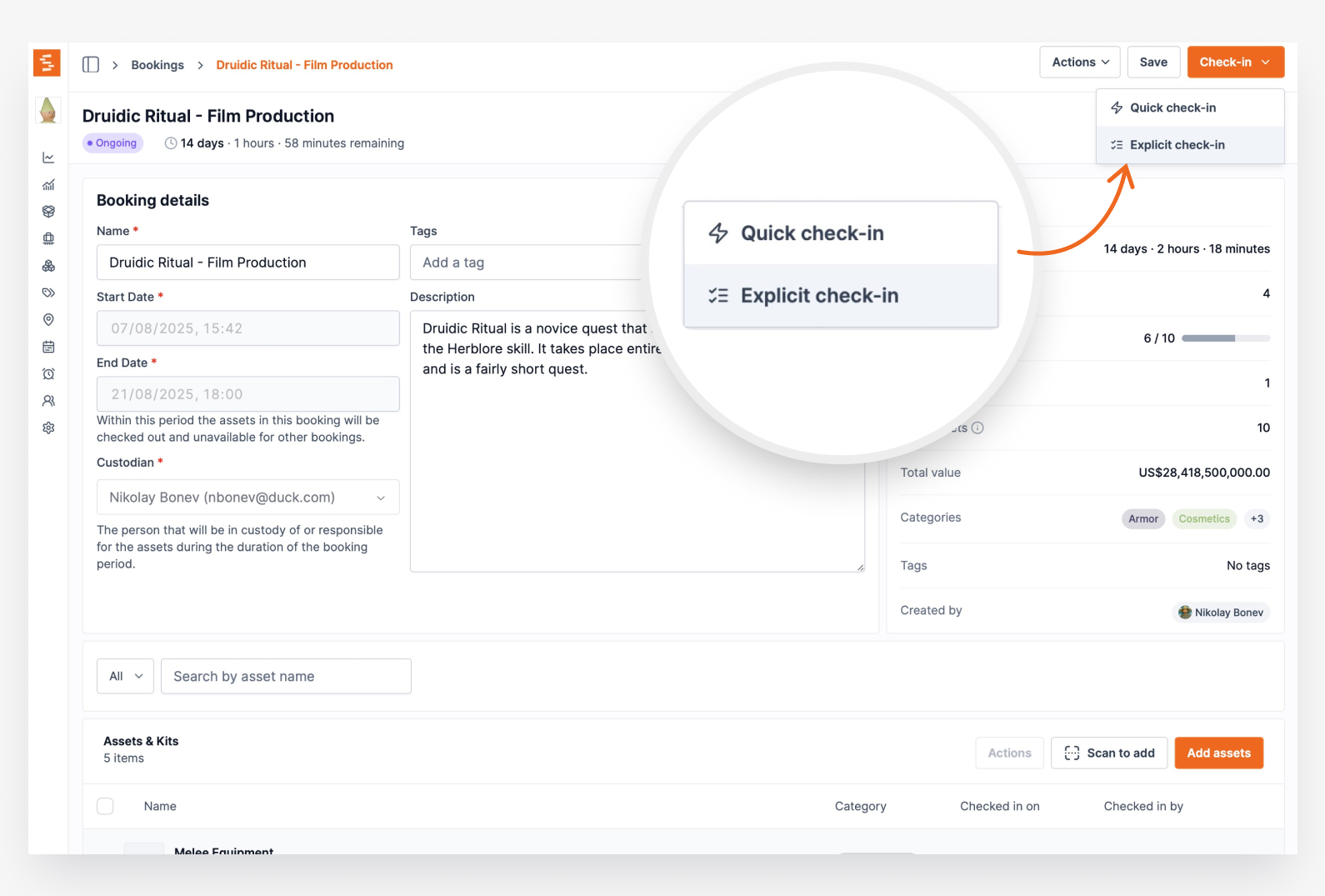
Check out a booking's assets one at a time by scanning, or in bulk from the Actions menu, instead of only all at once — with a new Booked / Checked out / Returned lifecycle bar.
Bookings now check out the way real handoffs actually happen — in stages. Until now a reserved booking was checked out all at once: one Check Out action flipped every item to "Checked out" together. That's fine when the whole list leaves at the same moment, but gear often goes out piece by piece as it's collected or located.
You can now check out a booking's items one at a time by scanning — pick Scan to check out from the Check Out dropdown — or in bulk by selecting rows and choosing Actions > Check out selected items. The booking becomes Ongoing on the very first item, while anything you haven't reached yet stays reserved for the booking and keeps its Available status until it's checked out. New "Checked out on" and "Checked out by" columns record exactly when each item left and who handed it over.
To keep the whole journey visible, the booking's progress bar is now a segmented Booked / Checked out / Returned lifecycle bar. It reads "Check-out progress" while items are still going out, then switches to "Check-in progress" once everything has left and you're tracking returns — and it honors the count each kit as a single unit setting in both phases.
This is the checkout counterpart to partial check-ins, and the two work together: hand gear out in stages, and check it back in in stages. Shelf keeps your records honest in the in-between state too — items that were never checked out are never logged as returned.
Ready to organize your assets?
Join thousands of teams who trust Shelf to manage their physical assets. Free forever, or try the Team plan free for 7 days.
Out in the field? Shelf Companion is free on iPhone & Android.