

Scan it. Find it. Done.
Shelf Companion is a native app — for iPhone and Android — that pairs with your Shelf workspace. Scan QR codes, run audits, manage custody, and check bookings in or out — from wherever the work happens. Free with any Shelf account. Optional — the Shelf web app still works in any modern phone browser, with PWA install if you want a home-screen icon.

Already using Shelf? Log in to your workspace
On iPhone (iOS 15.1+) and Android. Sign in with the credentials you already use on shelf.nu — including SSO.
Optional, not required
Three ways to use Shelf on your phone
Shelf Companion is one option, not a requirement. The web app works in any modern phone browser, and you can install it as a Progressive Web App on your home screen. Pick whichever fits how your team works.
In any phone browser
Open shelf.nu in your phone browser. Full Shelf — bookings, custody, audits, scanning. Nothing to install.
Always available
Install as a PWA
Add the Shelf web app to your home screen for a native-feeling icon and fullscreen experience. Same web app, app-like feel.
iOS and Android
Shelf Companion app
Native iPhone and Android app focused on field scanning, audits, custody, and bookings. Faster on the floor than the browser.
iOS and Android
Many teams use a mix — admins on web, field crews on Shelf Companion. Same workspace, same data, same login.
What it does
Everything your field team needs. Nothing they don't.
Shelf Companion is the field tool. The web app stays the source of truth for workspaces, configuration, and reporting.
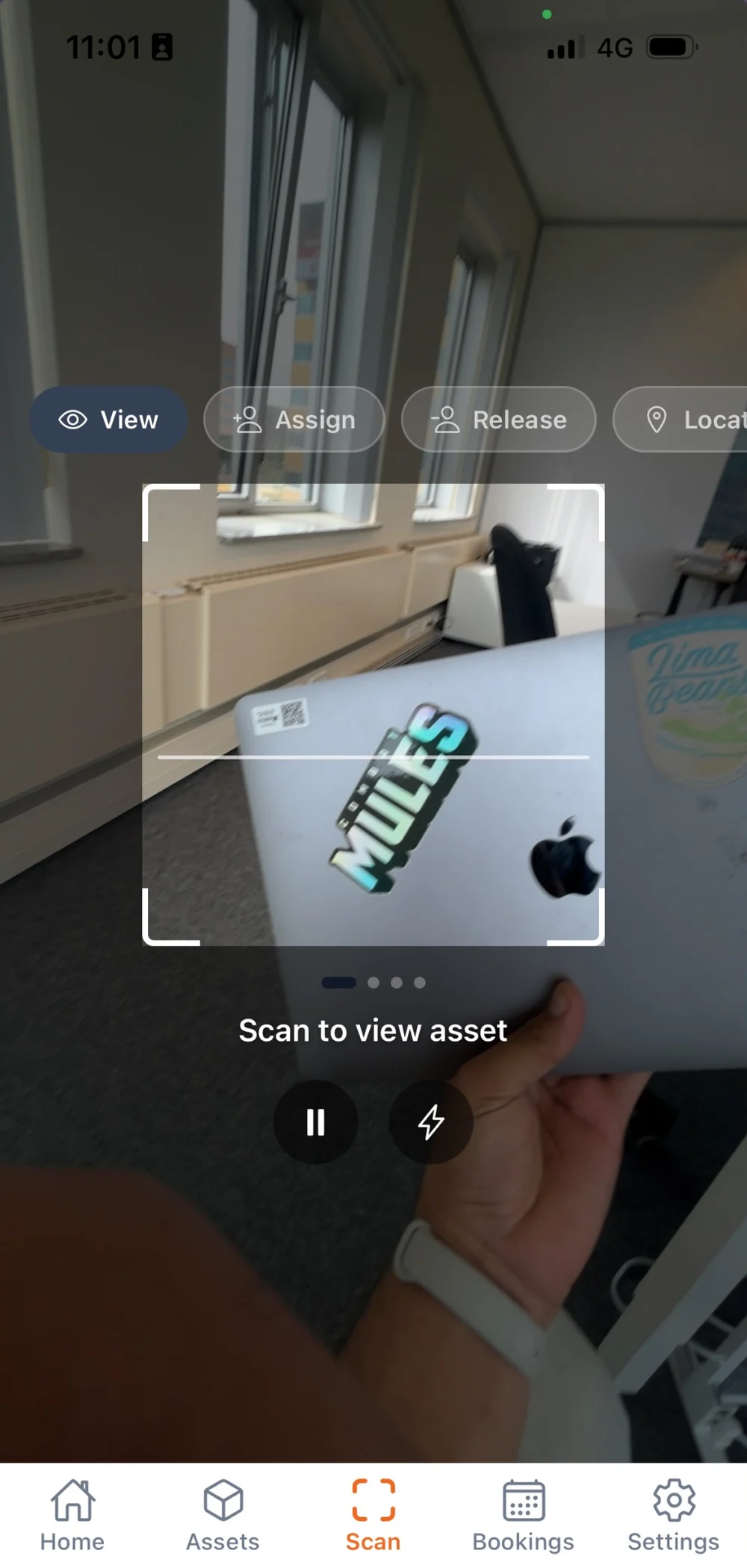
QR & Barcode Scanning
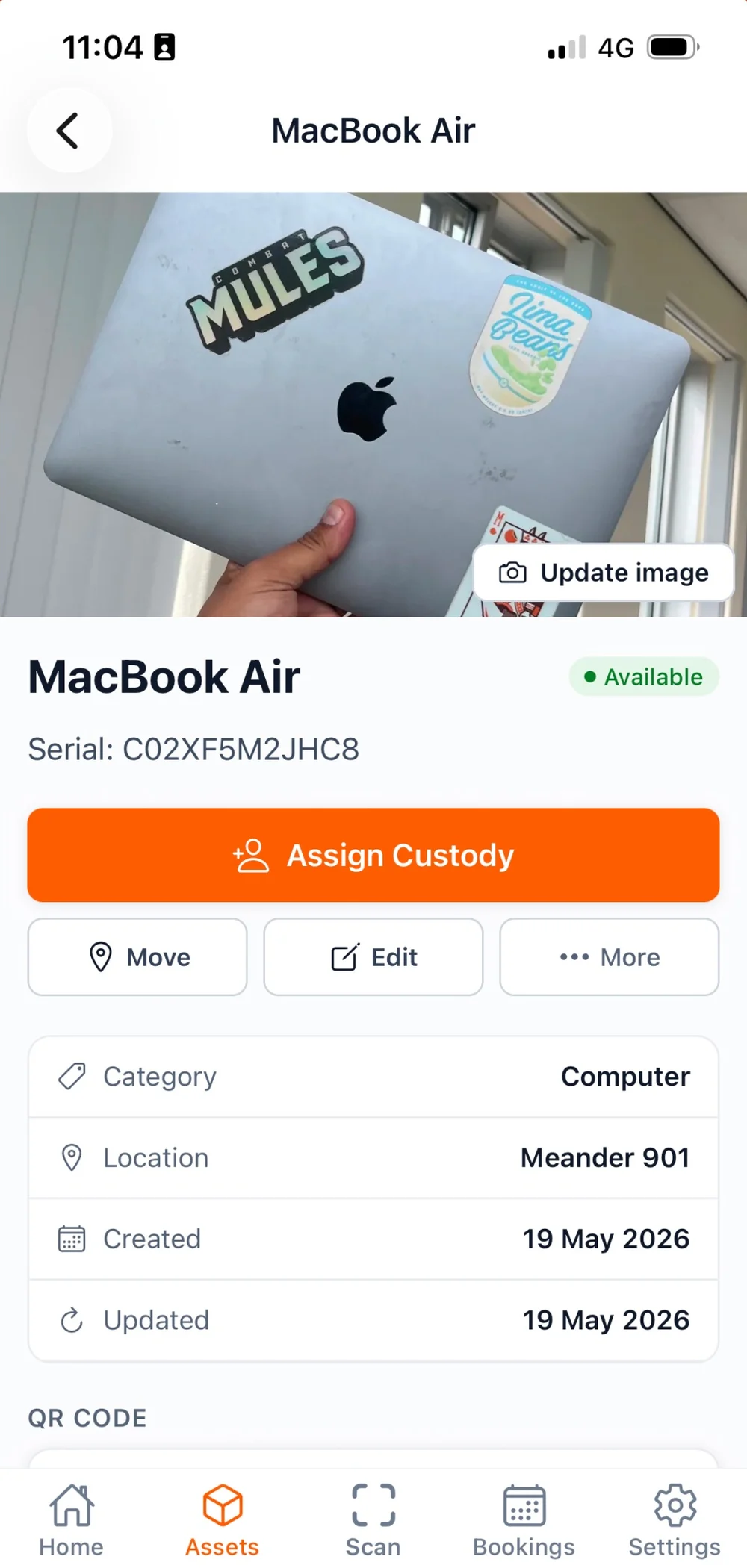
Point the camera at a label. The asset opens.
Scan Shelf QR labels and standard barcodes (Code128, EAN-13, DataMatrix) to instantly pull up any asset.
Field Audits
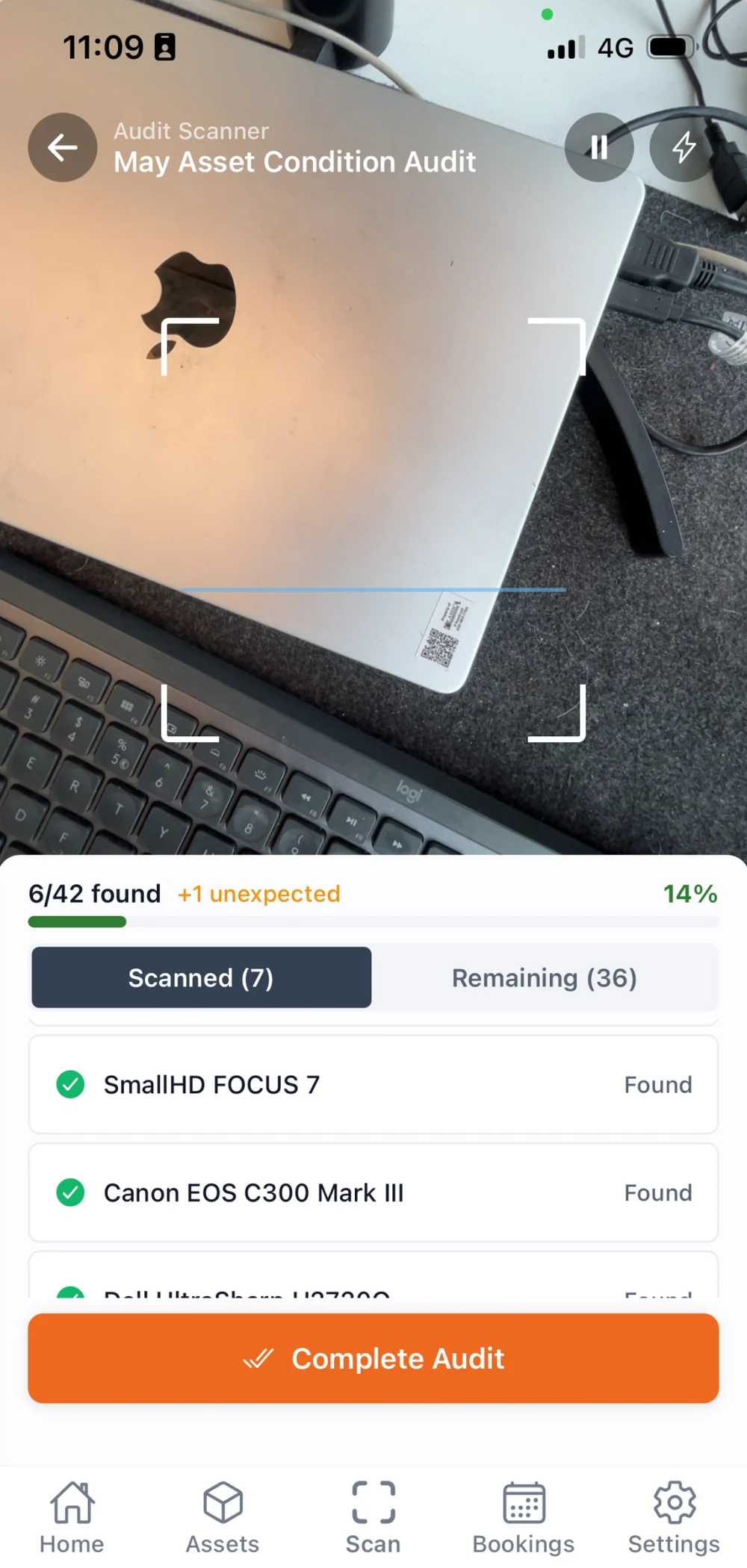
Walk the room, scan what is there, note what is not.
Walk an audit on-site — scan assets, watch found/expected counts update in real time, attach a condition note or photo to any scan and read them back later, take a mis-scan back off, and complete the audit when done. Scanned rows say where each asset lives, and anything the audit did not expect is counted separately.
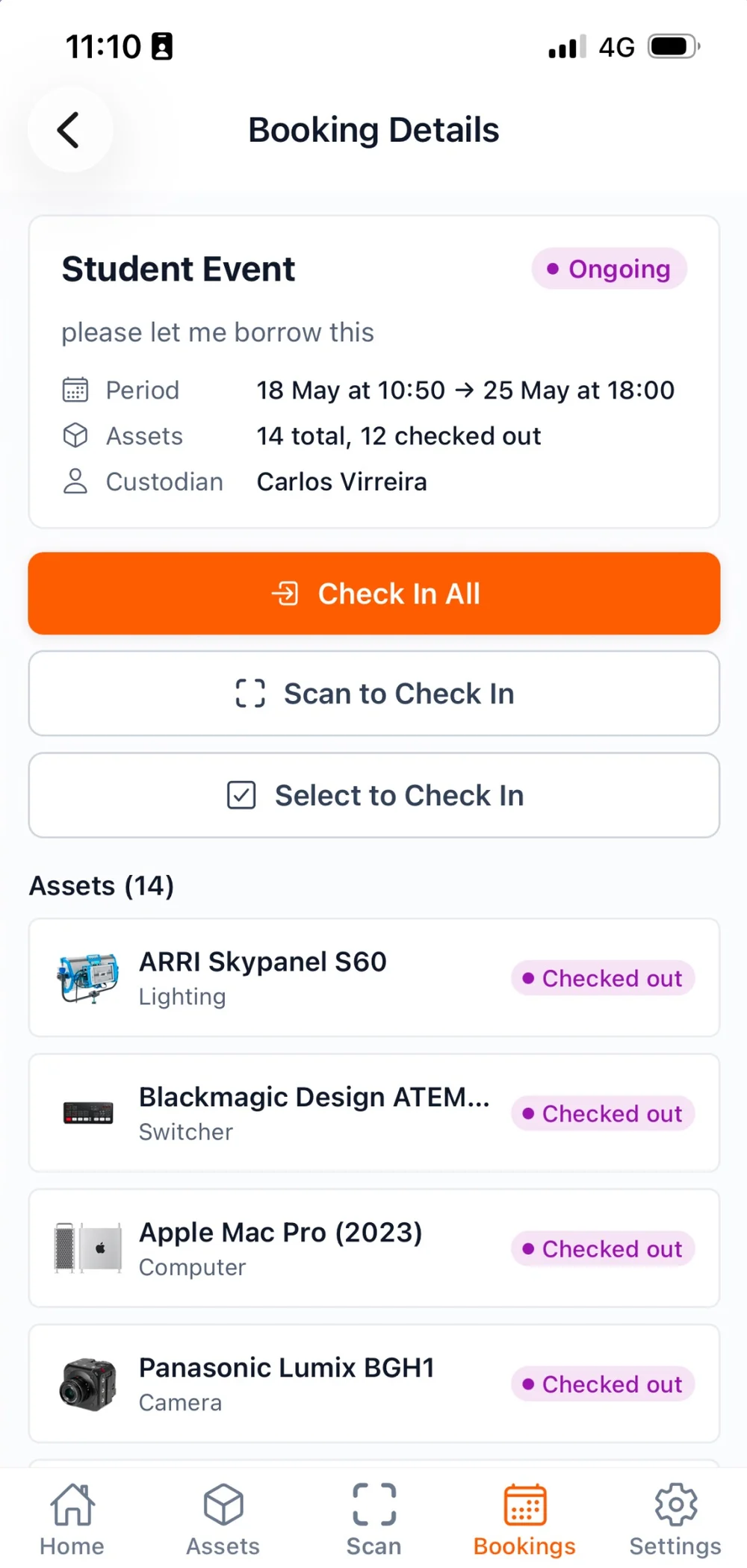
Bookings, End to End
Check a booking out and back in where the gear is.
Create, edit, and reserve bookings from the phone with availability-aware asset, kit, and model pickers, then scan gear out one item at a time or scan reserved units to assign and check out, and record what comes back on return. Read the month as a calendar or the week as a list.
Custody Management
Assign or release asset custody right from the field — hand off equipment to a teammate with a few taps.
Live Dashboard
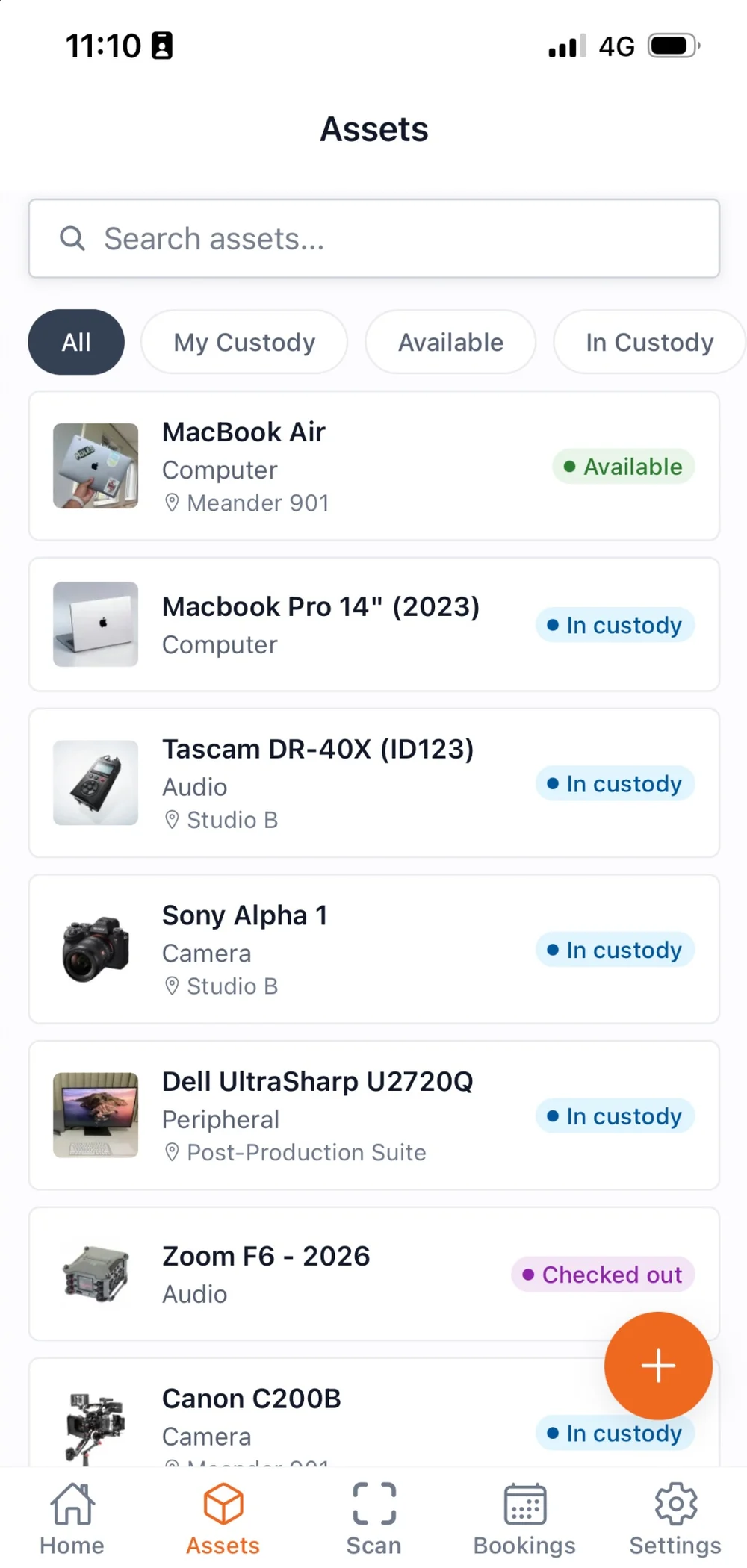
See asset counts, active bookings, overdue items, and status breakdowns at a glance.
App or web?
One workspace, two ways in.
The web app is the whole product. Shelf Companion is the part of it you want in your hand. Same workspace, same data, same login.
At the desk
Shelf web app
- Everything the app does, in any browser, plus scanning with a laptop camera or a USB scanner
- Setting up the workspace: custom fields, locations, users and roles
- Creating and configuring audits, then reviewing the findings
- Bulk imports, exports and large edits
- Bookings with the availability view and PDF pull lists
- Reports, the dashboard and CSV or PDF exports
On the floor
Shelf Companion
- Scan a label with the camera and the asset opens
- Walk an audit: scan what is there, note what is not, add a photo
- Hand custody over, or take it back, on the spot
- Check a booking's gear out and back in where the gear is
- Correct a stock count on the shelf, with a reason attached
- Sign in against your organization's own Shelf server (from 1.5.0)
New to Shelf?
Shelf Companion pairs with any Shelf workspace. Create an account first, then sign in on the app with the same credentials. Free for individuals, no credit card.
Create your free accountQuestions about the app
Questions about the app?
Quick answers about Shelf Companion.
Didn't find yours? Ask the team in chat, or search the knowledge base.
Do I have to install the Shelf Companion app to use Shelf?
No — the app is optional, not required. You have three ways to use Shelf on your phone: (1) the Shelf web app in any modern phone browser, with full access to bookings, custody, audits, and everything else; (2) install the web app as a Progressive Web App (PWA) on your home screen for a native-feeling icon and fullscreen experience, no App Store needed; or (3) Shelf Companion — an optional native app for iPhone and Android, focused on field workflows like scanning, audits, and custody handoffs. Many teams use a mix: admins on the web, field crews on the Companion app. Same workspace, same data, same login on every path.
Where can I get the app?
Shelf Companion is live on the App Store (iPhone) and Google Play (Android). Search for "Shelf Companion", or download directly — iOS: https://apps.apple.com/app/id6765639874 · Android: https://play.google.com/store/apps/details?id=com.shelf.companion. Sign in with your existing Shelf account.
Can I use the app with a self-hosted Shelf server?
Yes, from version 1.5.0. Tap "Connect to a private server" on the sign-in screen and enter your organization's domain — the field takes your work email, your company's domain, or your Shelf server address. The app then points itself at your instance, and you sign in with your password or your company's single sign-on against your own server. Two things have to be true first: Shelf has to register your domain, and your instance has to be reachable from the phone over HTTPS. Registration comes with a private-server license from Shelf, billed as a monthly subscription, so contact sales to set it up; the change itself is on Shelf's side and needs no new app build. A domain Shelf has not registered is refused rather than quietly sent to Shelf Cloud. You can return to Shelf Cloud at any time from the sign-in screen or from Settings. See: /knowledge-base/connect-shelf-companion-to-your-own-server
Can I correct a scan I did not mean to make during an audit?
Yes, from version 1.5.0. Tap the scanned row to open its notes and photos, then tap Remove scan at the foot of the sheet and confirm. An asset the audit expected goes back to Not scanned; an asset that was never on the list leaves the audit, because nothing but the scan put it there. The counts recount from the rows. Notes and photos you already attached stay on the audit, because evidence hangs off the audit's row for the asset rather than off the scan. A Completed or Cancelled audit refuses the change, on the phone and on the web alike.
Do I need a Shelf account?
Yes. The app connects to your existing Shelf workspace — same login, same organizations, same data, same permissions. You don't create a separate account.
Is it free?
Yes. The app is free with any Shelf account, including the free tier. Nothing is sold through the app. Pricing for the web platform stays exactly the same.
Is it available on Android?
Yes — Shelf Companion is now live on Google Play, free with any Shelf account. You can also use Shelf in any Android phone browser, or install it as a PWA on your home screen.
Can I capture audit evidence (photos, notes) from the app?
Yes. Each scanned row during an audit carries an Add photo/note action — tap it to write a condition note and attach a photo taken with the camera or picked from your photo library. Once a row holds evidence, the action becomes a count of what it carries, and rows on the audit's asset list say what they hold ("1 note, 2 photos") and open the full record: every note and photo, with who recorded it and when. Notes and photos are counted separately. Everything lands on the same audit record you see on the web.
Does the app track my location?
Not continuously, and never in the background. The app can attach the phone's location to a QR scan, so an asset's record shows where it was last seen. That is the same thing the web scanner has always done with the browser's location. It asks once, the first time you open the scanner, and declining changes nothing else: scanning keeps working, the scans just carry no coordinates. Location is only read while the app is open, never in the background, and it is never used for advertising or shared with third parties. See the Mobile Application section of our privacy policy for the full disclosure.
Can I manage my whole organization from the app?
The app is purpose-built for field operations — scanning, audits, custody, bookings. Admin tasks like user management, bulk imports, custom fields, and reporting stay on the web app. They work together.
Bring Shelf to the floor.
Download Shelf Companion for iPhone or Android — or keep using Shelf in any phone browser. Same workspace, same data, your choice.