

Every Check-out and Check-in Says How It Was Made
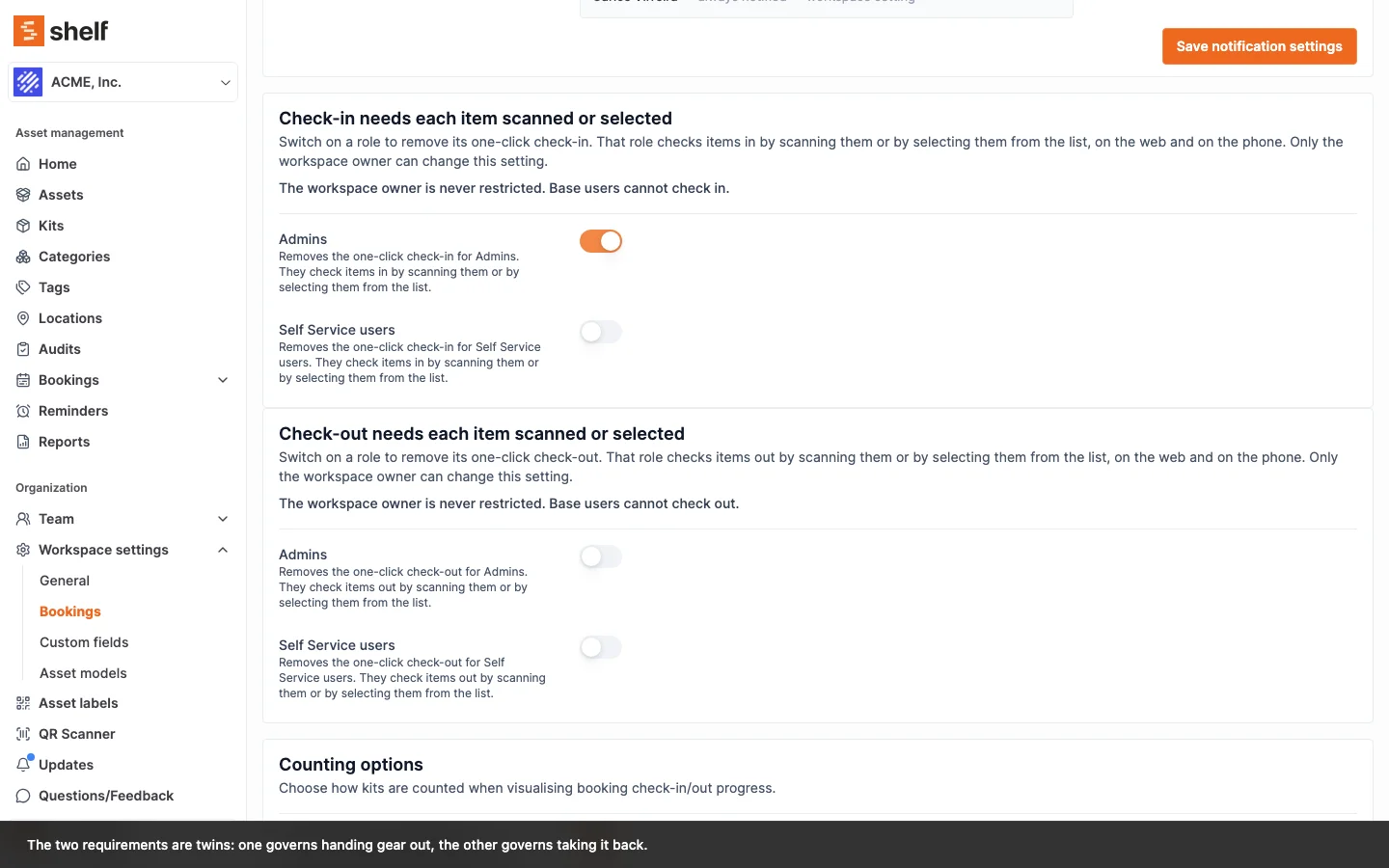
Booking activity and the check-in receipt now say whether items were scanned, selected or handed over in one click, on the web or the phone. The two settings that remove the one-click action are renamed and say who they never reach.
Every booking check-out and check-in now records how it was made and where. The booking's activity line ends with it, for example checked-out the booking (selected on the phone) or performed a partial check-in: Tripod (scanned on the web). A one-click action reads in one click on the web or in one tap on the phone. The check-in receipt prints a Check-in method line when every item came back the same way, and the method under each row when they did not. Check-outs and check-ins from before 8 October 2026 carry no method.
The two settings under Settings ▸ Workspace settings ▸ Bookings that remove the one-click check-out or check-in for a role have new names and clearer words: Check-in needs each item scanned or selected and Check-out needs each item scanned or selected, with one switch for Admins and one for Self Service users. Each card now says, always visible, "The workspace owner is never restricted. Base users cannot check out." The switches and what they do are unchanged.
In the Shelf Companion app, where that rule hides Check Out All Assets or Check In All, the booking screen now says why: "Your workspace requires each item to be scanned or selected to check out."
Ready to organize your assets?
Join thousands of teams who trust Shelf to manage their physical assets. Free forever, or try the Team plan free for 7 days.
Out in the field? Shelf Companion is free on iPhone & Android.