

Report drill-down now filters correctly in Advanced mode
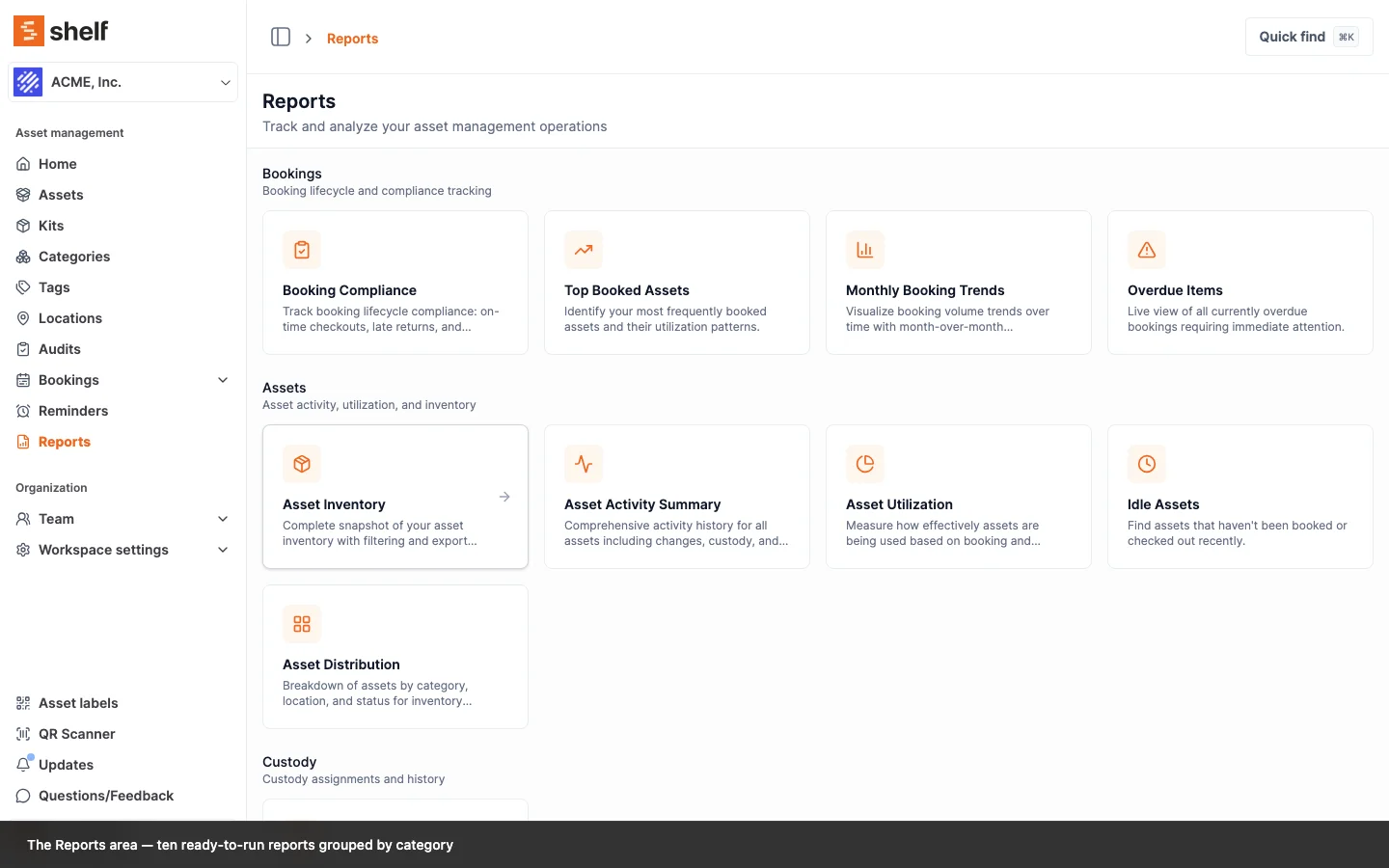
Clicking a chart slice — or opening a shared report link — now filters the Assets index as expected, even when the workspace is in Advanced filtering mode.
When you click a slice in a report chart — for example a location in the Asset Distribution donut — Shelf takes you to the Assets index filtered to exactly that slice. This worked in Simple filtering mode but was silently dropping the filter for workspaces using Advanced mode: you'd land on the full, unfiltered asset list instead.
That's fixed. Chart drill-down now carries the filter through correctly in both Simple and Advanced mode. The same fix also restores shared and bookmarked report links that use plain parameters (such as a link straight to overdue or ongoing bookings) and corrects the Custody Snapshot report so it filters assets by their assigned location.
If you'd bookmarked a report view that "stopped working" after switching to Advanced filtering, it works again now — no need to rebuild the link.
Ready to organize your assets?
Join thousands of teams who trust Shelf to manage their physical assets. Free forever, or try the Team plan free for 7 days.
Out in the field? Shelf Companion is free on iPhone & Android.