

New Bookings Say They Are Drafts, and Check-Out Asks First
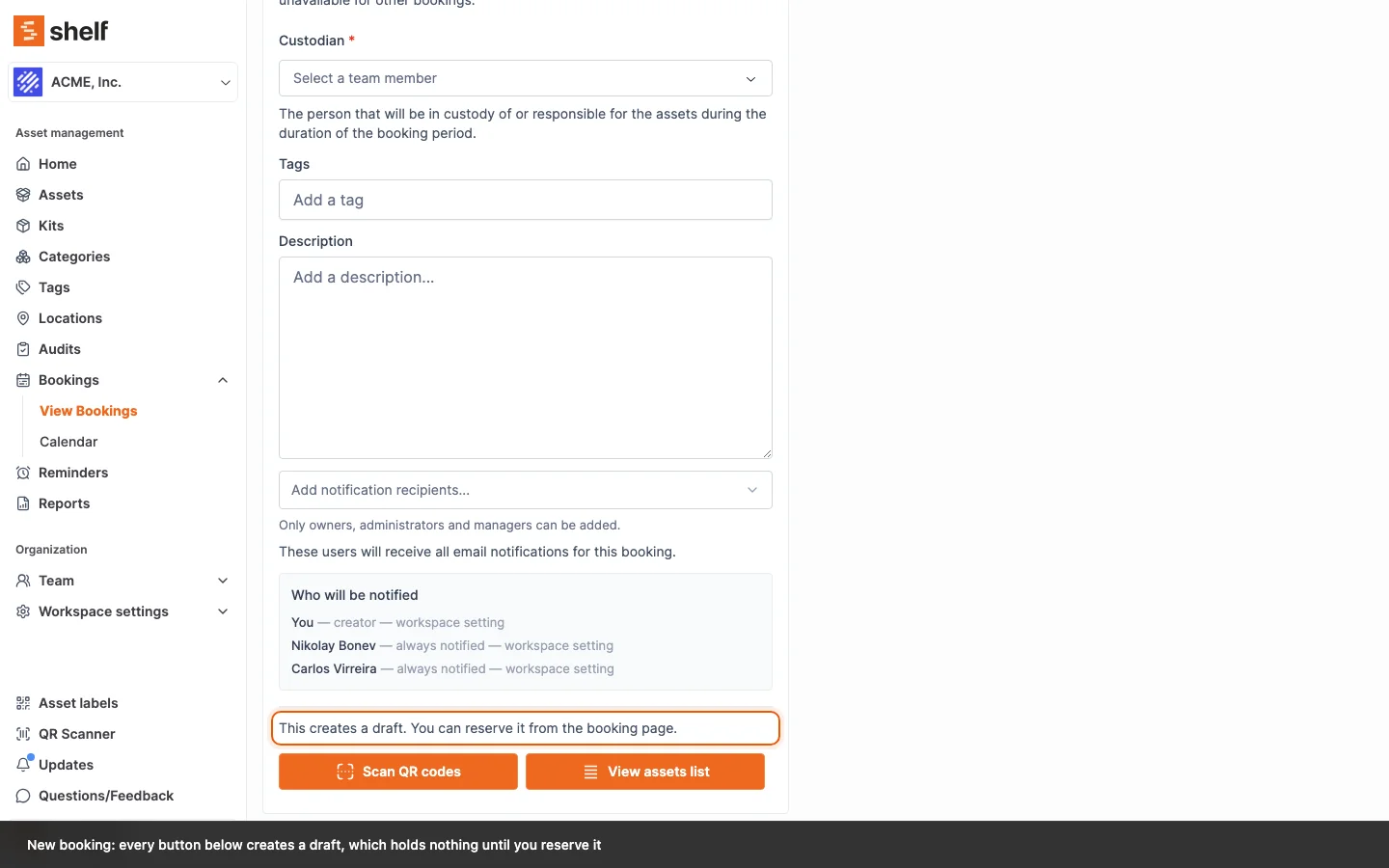
Creating a booking now says it makes a draft, and that a draft holds nothing until you reserve it. Reserve explains when a draft's start time has passed, and the one-click Check out opens a confirmation, as check-in already did.
Some bookings were still Draft when people came to pick up their gear: they had been created with their assets and never reserved, so nothing was held. The booking form now says what it makes. Above its buttons it reads "This creates a draft. You can reserve it from the booking page.", the button that creates a booking with its assets already chosen reads Create draft, and the confirmation is Draft created. On a draft, Save and the unsaved changes bar read Save draft.
When a draft's start time has passed, Reserve (or Request reservation) is greyed out with "The start time has passed. Move it later to reserve.", instead of a small error under the date. Move the start later and the button comes back before you save. Self-service and Base users also see why when the start is inside the workspace's minimum advance notice.
Checking a booking out in one click now asks first, the way check-in does. Check out, and Check out remaining on a booking that is already out, open a Check out booking dialog that names the booking; Cancel leaves it as it was. An early check-out still shows its date question instead, and the scanner and selection flows keep their own confirmation.
Ready to organize your assets?
Join thousands of teams who trust Shelf to manage their physical assets. Free forever, or try the Team plan free for 7 days.
Out in the field? Shelf Companion is free on iPhone & Android.