

Duplicate an Audit to Re-Run the Same Scope
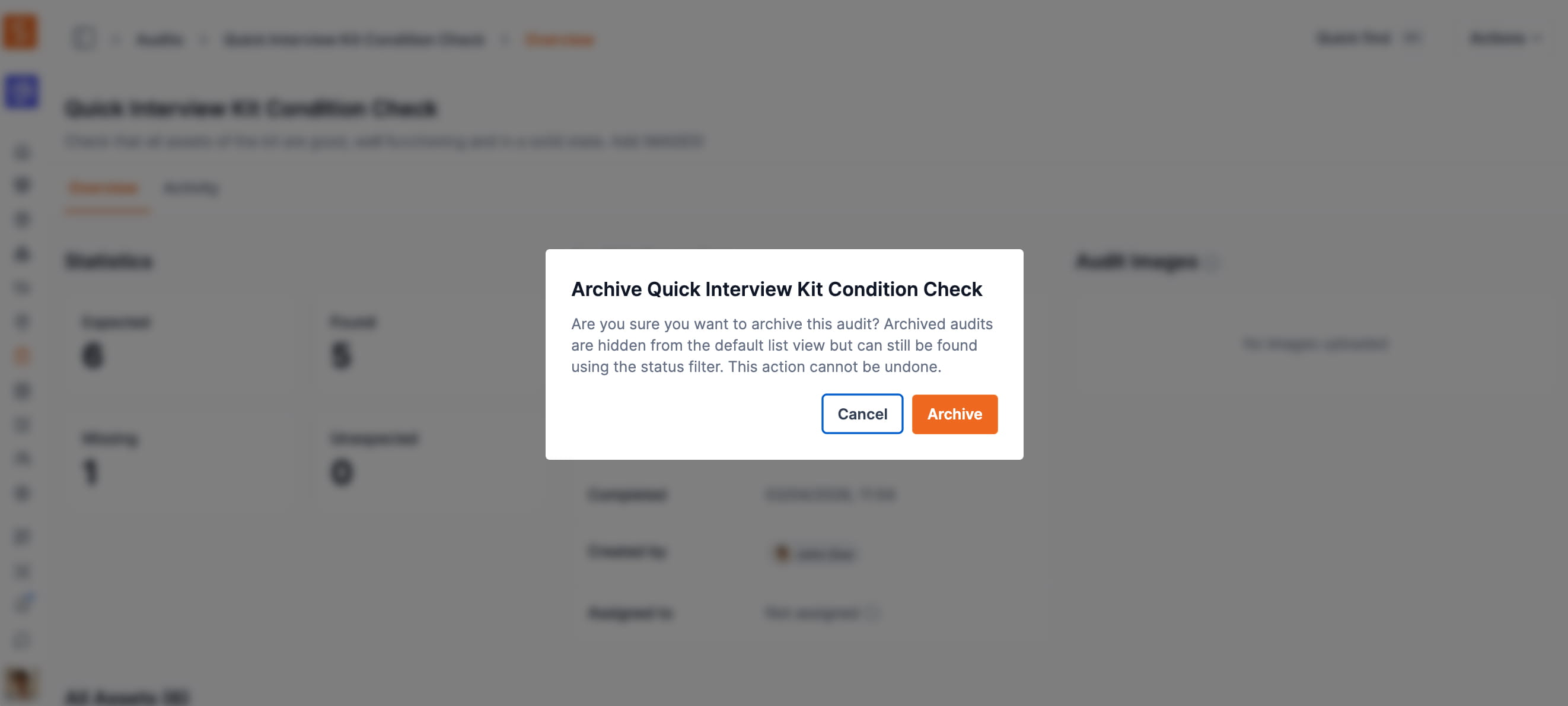
Recurring audits no longer need to be rebuilt from scratch. Duplicate any Completed, Cancelled, or Archived audit and Shelf creates a fresh Pending session with the same name, description, and asset list — ready to scan.
If you run audits on a recurring cadence — monthly stock counts, post-event sweeps, quarterly compliance checks — you can now re-run an audit on the same asset list in one click instead of rebuilding the scope each time.
How it works: open any audit that has reached Completed, Cancelled, or Archived status, click the actions menu (⋯), and choose Duplicate audit. Shelf creates a new Pending session that inherits the source audit's name (with a "(Copy)" suffix), description, and asset list. Notes, scans, assignee, and due date do not carry over — the duplicate starts clean so it doesn't muddy the new round's results.
If the source audit's assets have shifted, Shelf is up-front about it. A yellow warning shows the dropped count if some of the original assets have been deleted from your workspace since the source audit ran (e.g. "3 of 19 original assets are no longer in your workspace and will be dropped"); the duplicate still proceeds with the remaining assets. If every original asset is gone, the dialog blocks duplication and prompts you to create a new audit from scratch — no silent failures.
Duplicate is available to Admin and Owner roles on terminal-state audits only. Pending and Active audits keep their existing Edit and Cancel actions.
Ready to organize your assets?
Join thousands of teams who trust Shelf to manage their physical assets. Free forever, or try the Team plan free for 7 days.
Out in the field? Shelf Companion is free on iPhone & Android.