

Permanently Delete Archived Audits
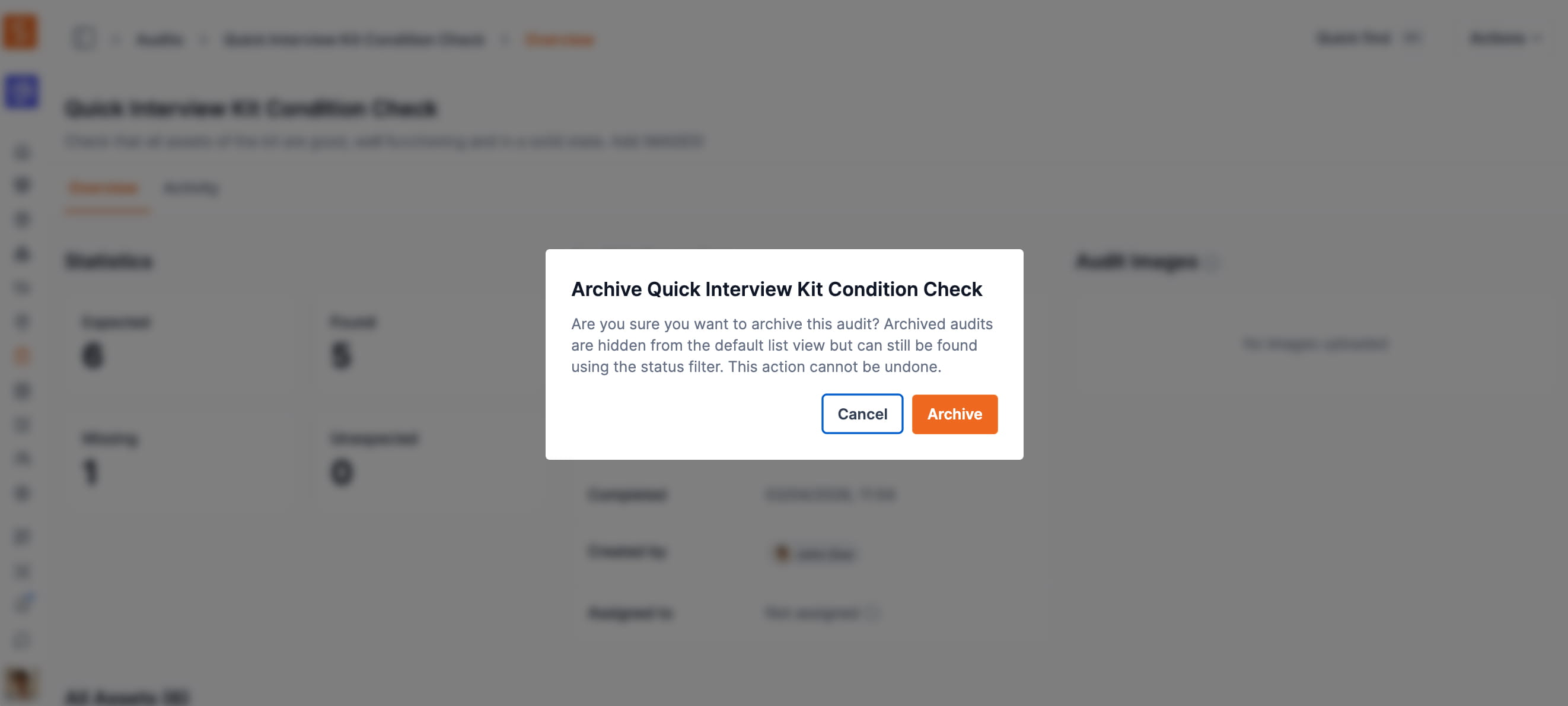
Admins and owners can now permanently remove archived audits and all their scan data, notes, and images — one at a time or in bulk.
High-volume audit teams can now fully clean up their audit history. Archived audits can be permanently deleted — removing all scan records, notes, and images in one step.
Single delete: Open any archived audit, choose Delete from the actions menu (⋯), and type the audit name to confirm. The requirement to archive first acts as a safety check against accidental deletions.
Bulk delete: On the audits index page, filter to Archived, select multiple audits using the checkboxes, and choose Delete from the Actions dropdown. Type DELETE to confirm before the operation runs.
The underlying assets in your inventory are unaffected — only the audit session data is removed.
Ready to organize your assets?
Join thousands of teams who trust Shelf to manage their physical assets. Free forever, or try the Team plan free for 7 days.
Out in the field? Shelf Companion is free on iPhone & Android.