

A booking can mix all-at-once and scanned checkout
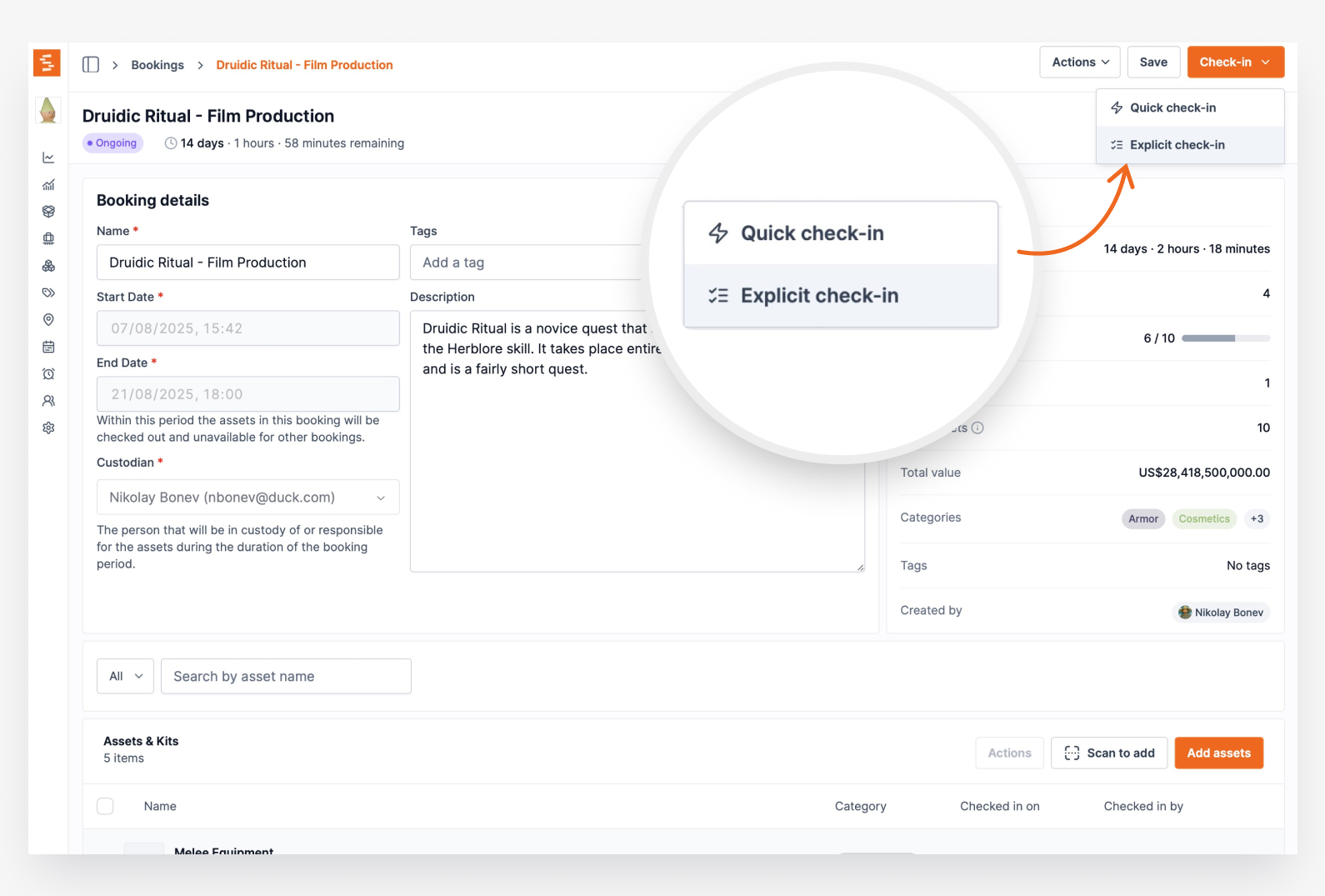
Adding one scanned handover to a booking that was checked out with the button used to make every item on it read as never checked out. Checkout is now recorded on each item, so the two styles combine freely.
Some bookings go out in one action, some go out item by item at the counter, and plenty do both: the list leaves in the morning with Check out, then something is added in the afternoon and scanned out on its own.
Until now the second half of that broke the first. Shelf decided whether an item could be checked back in by looking at the booking as a whole, so the moment a booking gained its first scanned handover it stopped recognising everything the Check out button had already sent out. Check-in was refused with "Cannot check in assets that were never checked out" on items the page was showing as Checked out, and it took only one scan on one added item to reach that state.
Checkout is now recorded on each line of the booking, at the moment that line goes out, by all four routes: the Check out button, Check out remaining, scanning, and bulk selection. Whether an item can come back is answered by that item's own record, so the two styles mix freely on one booking and a late addition changes nothing about what is already out.
Two smaller things came with it. An item you have already checked in is now refused with "These assets are already checked in." rather than being told it was never checked out, so the reason matches what happened. And a partially returned quantity-tracked line stays available to check in, since it is not fully reconciled yet.
No action is needed on your side, and no booking needs to be recreated.
Ready to organize your assets?
Join thousands of teams who trust Shelf to manage their physical assets. Free forever, or try the Team plan free for 7 days.
Out in the field? Shelf Companion is free on iPhone & Android.