

Booking Times Follow Your Clock, Working Hours Follow the Site's
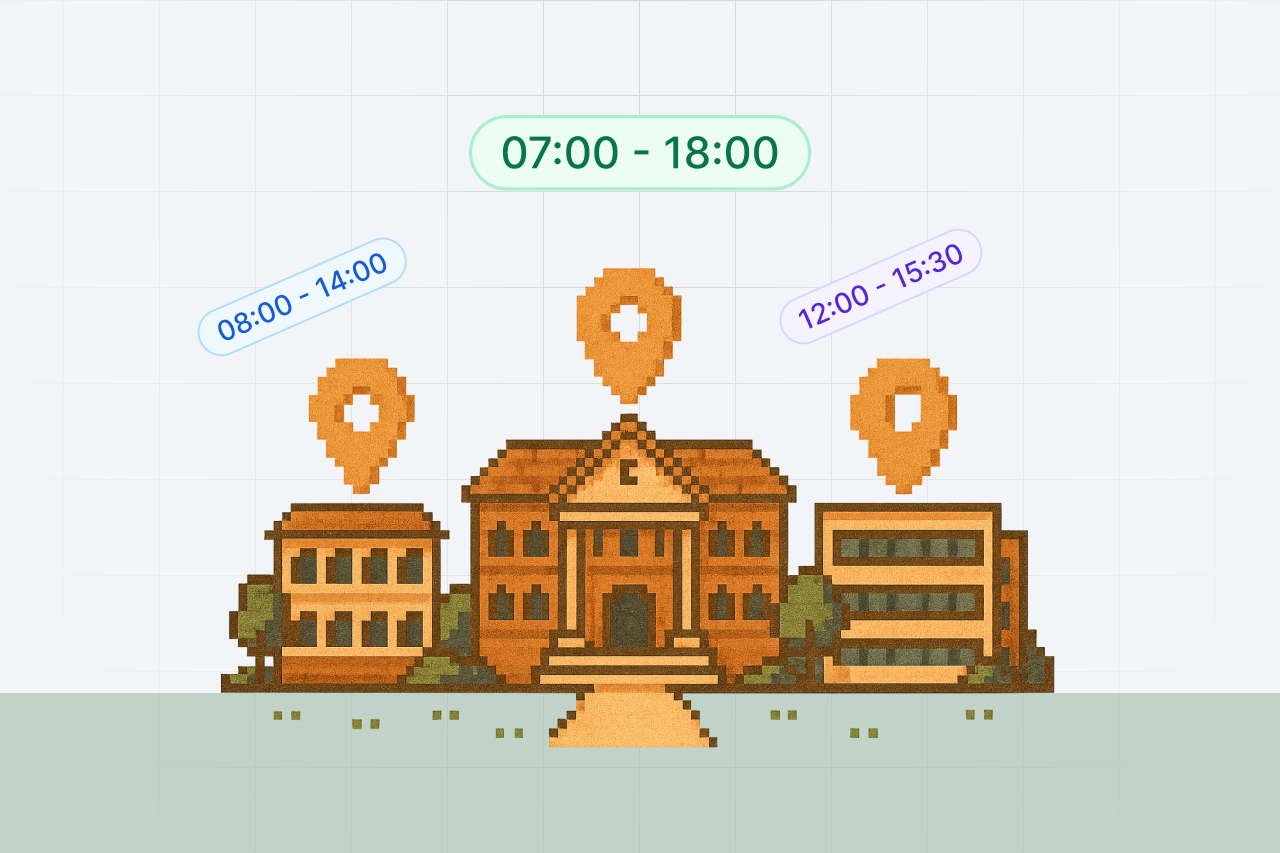
Every route into a booking now reads the times you type in your own time zone, on the web and on the phone. Working hours stay the local hours of the physical location, and the app now says so.
Two different questions get confused with each other whenever a team works across time zones. When is this booking? And when is the equipment room open? Shelf now answers them separately, and says which is which on the screens where you meet them.
A booking means the times you typed
Set a Time zone under Account settings and every route into a booking now reads your dates on that clock. That includes the booking form, the Create booking dialog on the Assets page, Extend booking, Duplicate, and the Shelf Companion app.
Two things this fixes for anyone west of UTC. The Create booking dialog on the Assets page used to read what you typed as UTC, so its own prefilled start time could fail its own validation with "Start date must be in the future" for as many hours as your offset. And the prefilled times themselves were built from the device clock rather than your preference, which could land the suggestion most of a day away from your actual now, and occasionally on a day the workspace is closed.
On the phone, one change worth knowing about. If you have set a time zone on your Shelf account, booking times you enter in the Companion app are now read in that zone instead of the handset's. If you have never set one, the phone's zone is still used, exactly as before. This means a booking made while travelling holds the hours you meant rather than the hours of the airport you happened to be in.
Working hours mean the hours on site
Working hours are not a timestamp. They describe when a physical place is staffed and unlocked, so 09:00 means 09:00 where the equipment is, for everyone who looks at it. They are never converted to a viewer's clock, and closed-day overrides apply to that exact calendar date everywhere.
That was already how it behaved, but nothing in the product said so. Worse, the Weekly Schedule settings copy read "Times will be displayed in your local format", which suggested the opposite. It now states the rule plainly, and the booking form repeats it under the working-hours box: Local hours of the physical location.
The Working Hours guide has been rewritten around this, and now also covers what Shelf actually checks (the pickup and the return, not the days in between), the exact message you get when a time does not fit, and where the setting lives today.
No action is needed on any of this.
Ready to organize your assets?
Join thousands of teams who trust Shelf to manage their physical assets. Free forever, or try the Team plan free for 7 days.
Out in the field? Shelf Companion is free on iPhone & Android.