

Booking bulk actions now match what you've selected
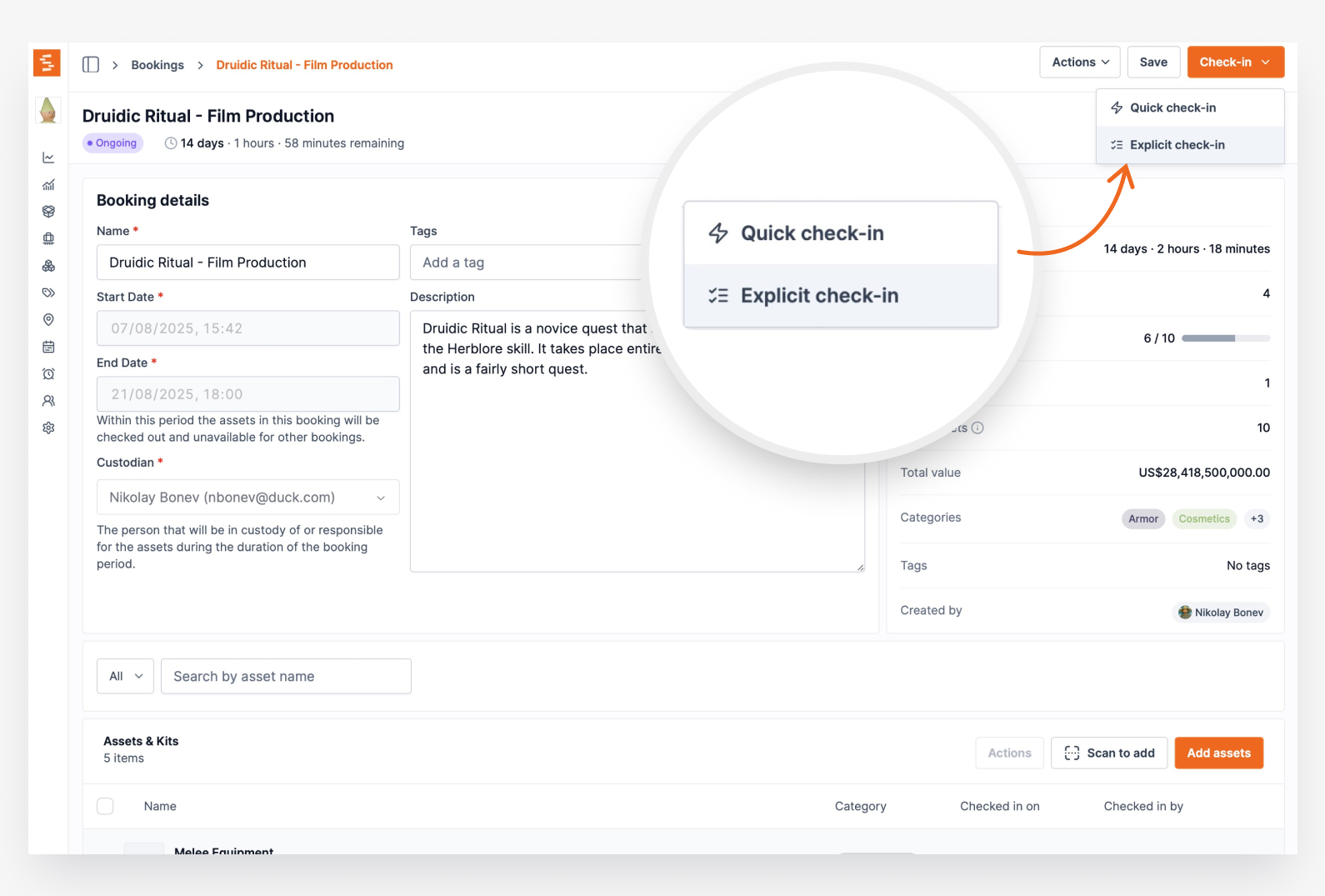
On a booking's item list, the Actions menu now greys out check-in or check-out when the current selection has nothing to act on, acts on the eligible subset for mixed selections, and clears the selection after each batch.
The bulk Actions menu on a booking's item list — Check out, Check in, and Remove — is now context-aware, so it only ever offers what your current selection can actually do.
If none of the selected items are checked out, Check in is greyed out with a short explanation ("None of the selected items are checked out, so there's nothing to check in"). If every selected item is already checked out, Check out is greyed out the same way. Pick a mix of eligible and ineligible items and the action stays available, runs on just the eligible ones, and tells you how many were skipped — no more selecting a batch only to have the dialog quietly act on a fraction of it. The menu now also follows the real lifecycle order (Check out → Check in → Remove), and the selection clears automatically once a batch completes, so you can move straight on to the next group.
Ready to organize your assets?
Join thousands of teams who trust Shelf to manage their physical assets. Free forever, or try the Team plan free for 7 days.
Out in the field? Shelf Companion is free on iPhone & Android.