

Archive Completed Audits
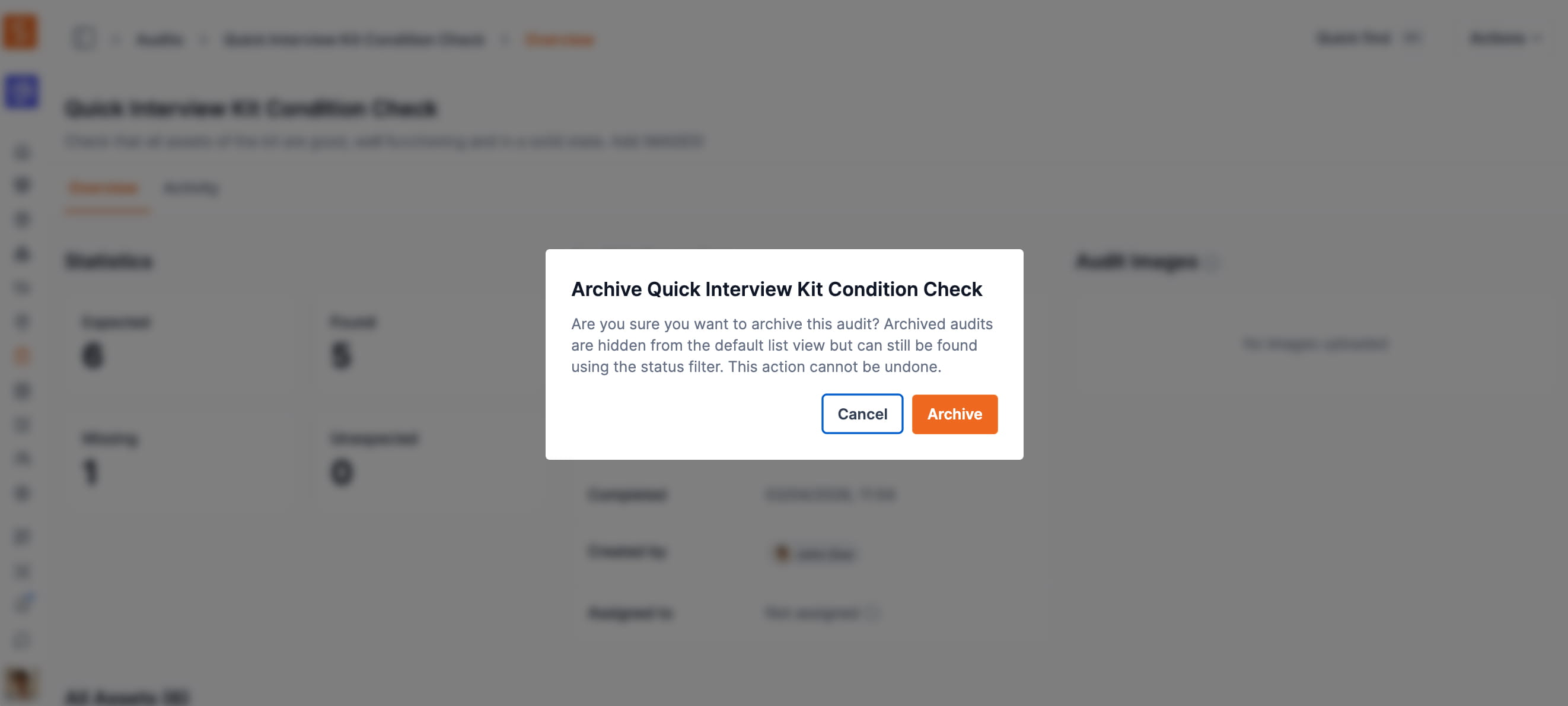
Admins and owners can now archive completed or cancelled audits, removing them from the default list while keeping them accessible via status filter.
Completed audits now have a full lifecycle. After an audit is finished — or cancelled — admins and owners can archive it to remove it from the default audit list.
Archiving keeps your audit list focused on active work without permanently deleting historical records. Archived audits remain accessible at any time by filtering for the Archived status. Archived audits are read-only: they cannot be edited, scanned, completed, or cancelled after archiving.
To archive an audit, open it from the audit list, click the actions menu (⋯), and select Archive. A confirmation dialog prevents accidental archiving. The action is available on any audit with a Completed or Cancelled status and requires an Admin or Owner role.
Ready to organize your assets?
Join thousands of teams who trust Shelf to manage their physical assets. Free forever, or try the Team plan free for 7 days.
Out in the field? Shelf Companion is free on iPhone & Android.