

Moving a Kit Now Moves Everything Inside It
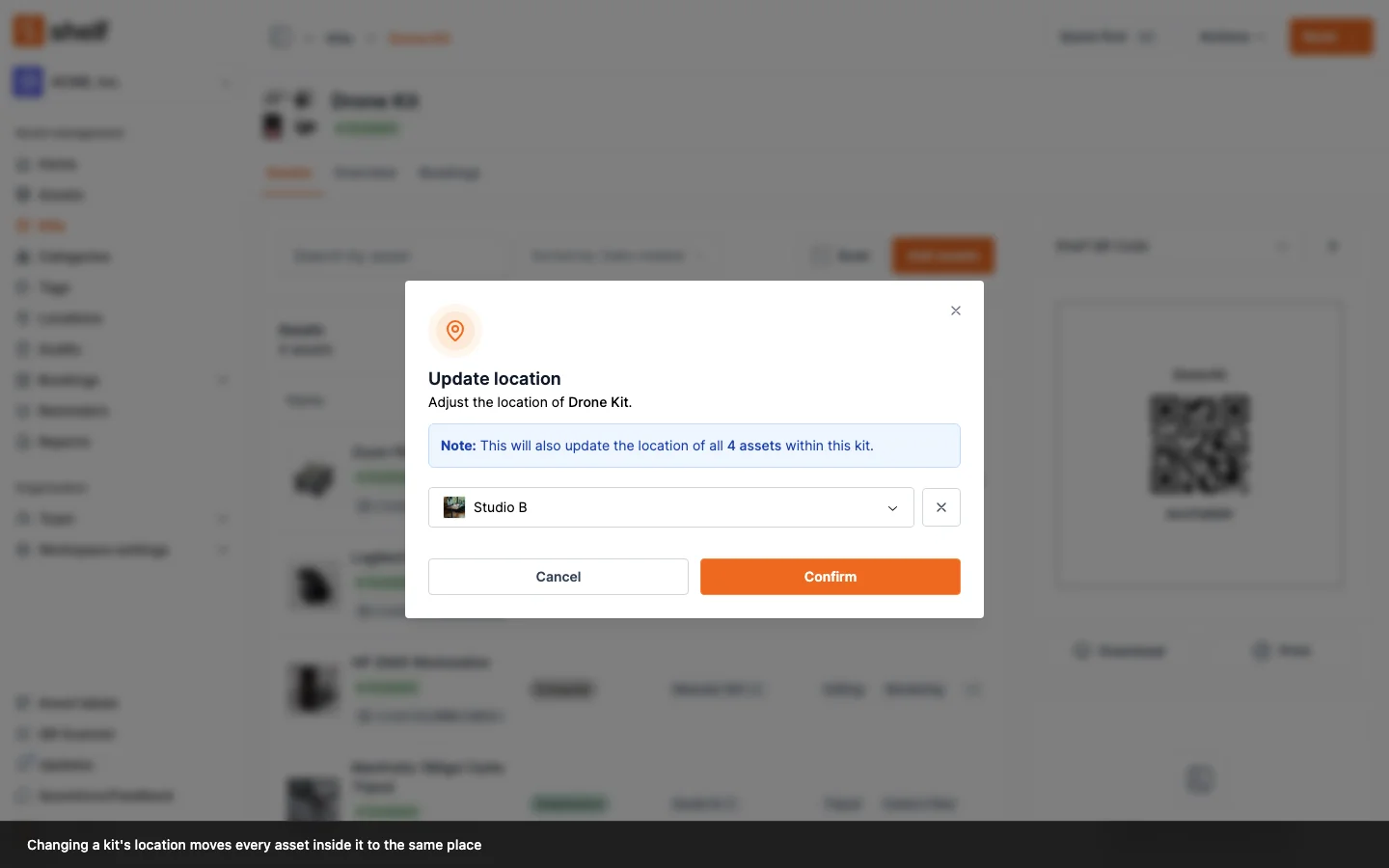
A kit's location is now the source of truth for where its assets are. Change it and every member asset moves with it, from the kit page, the Kits index, or the scanner.
Kits are for gear that travels together, so a kit's location should tell you where its contents are. Until now it often didn't: changing a kit's location moved the kit record, but any member asset that already had a location of its own stayed exactly where it was. Since almost every asset has a location, the move quietly stopped at the kit.
A kit's location now owns its members' placement:
- Changing a kit's location moves its assets. Do it from Actions → Update location on the kit page, from a multi-select on the Kits index, or by scanning the kit's QR code with the scanner set to Update location. Every asset that moves records an
ASSET_LOCATION_CHANGEDevent and a note on its own timeline, so the history shows the move came from the kit. - Adding an asset to a kit that has a location moves the asset too, instead of leaving the kit claiming a member that sits somewhere else.
- Quantity-tracked stock moves only the kit's slice. A kit holding 20 of 100 cables places 20 units at its location and leaves the other 80 wherever you put them. On the asset page that slice is labelled via kit.
- Unpacking preserves placement. Remove an individually tracked asset from a kit, or delete the kit, and the asset stays at the location the kit left it at rather than becoming unplaced. Clearing a kit's location does the same.
Nothing needs to be fixed up by hand. Existing kits whose members had drifted converge the next time that kit's location changes.
Ready to organize your assets?
Join thousands of teams who trust Shelf to manage their physical assets. Free forever, or try the Team plan free for 7 days.
Out in the field? Shelf Companion is free on iPhone & Android.