

Pick the dates when you duplicate a booking
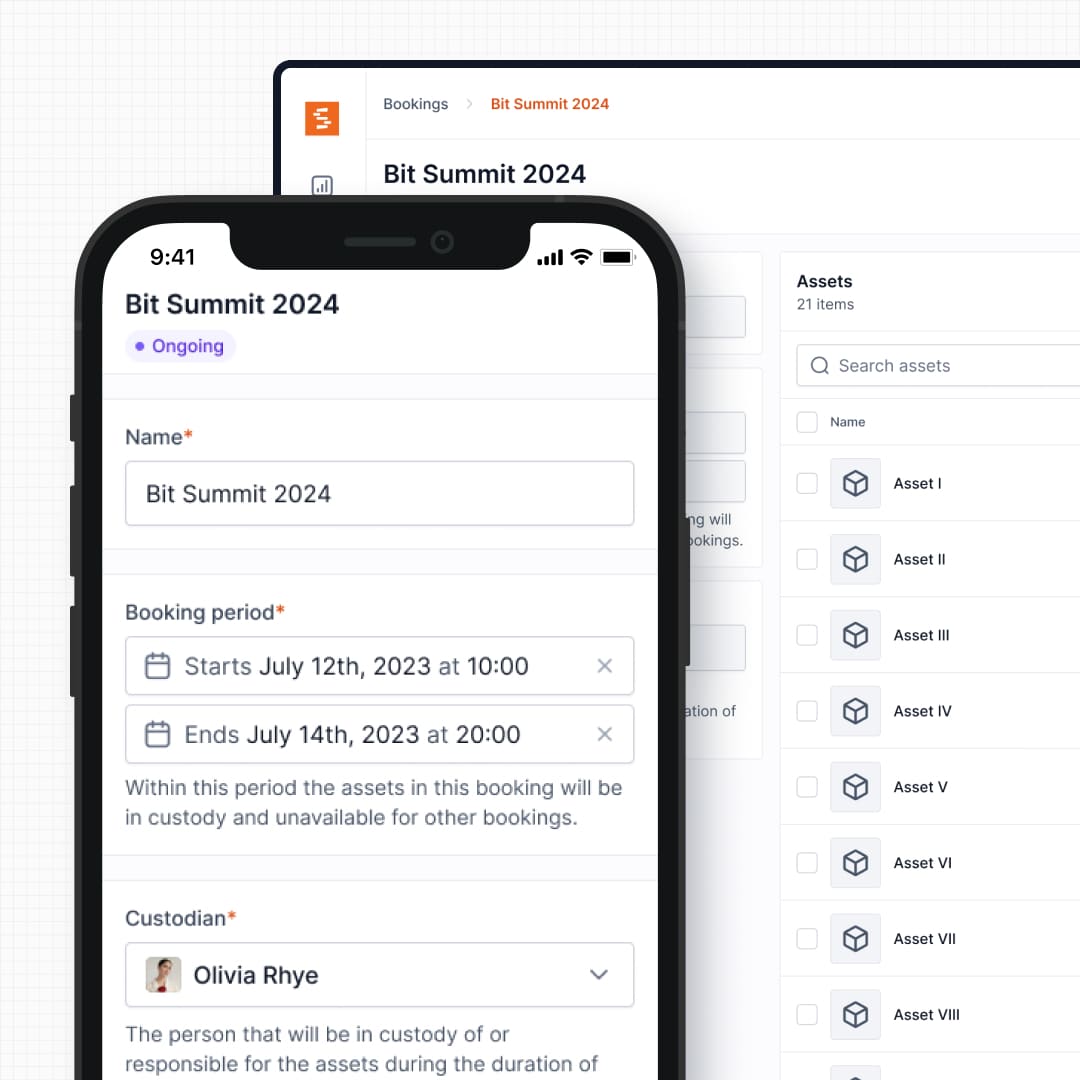
Duplicating a booking now lets you set the new booking's start and end date and time right in the dialog, instead of always copying to a now-plus-one-day window.
Duplicating a booking used to be a one-click confirm that always created the copy with a default "now to tomorrow" window, leaving you to edit the dates afterwards. Now the duplicate dialog asks for the new booking's start and end date and time up front, defaulting to the next valid working slot.
The dates are validated by the same rules as the new-booking form — working hours, open and closed-day overrides, buffer time, maximum length, and future-date checks — so a duplicate can't land on an invalid slot. Admins and owners keep the same buffer and max-length bypass they have elsewhere.
Ready to organize your assets?
Join thousands of teams who trust Shelf to manage their physical assets. Free forever, or try the Team plan free for 7 days.
Out in the field? Shelf Companion is free on iPhone & Android.