

Bulk CSV updates cover asset models and quantity columns
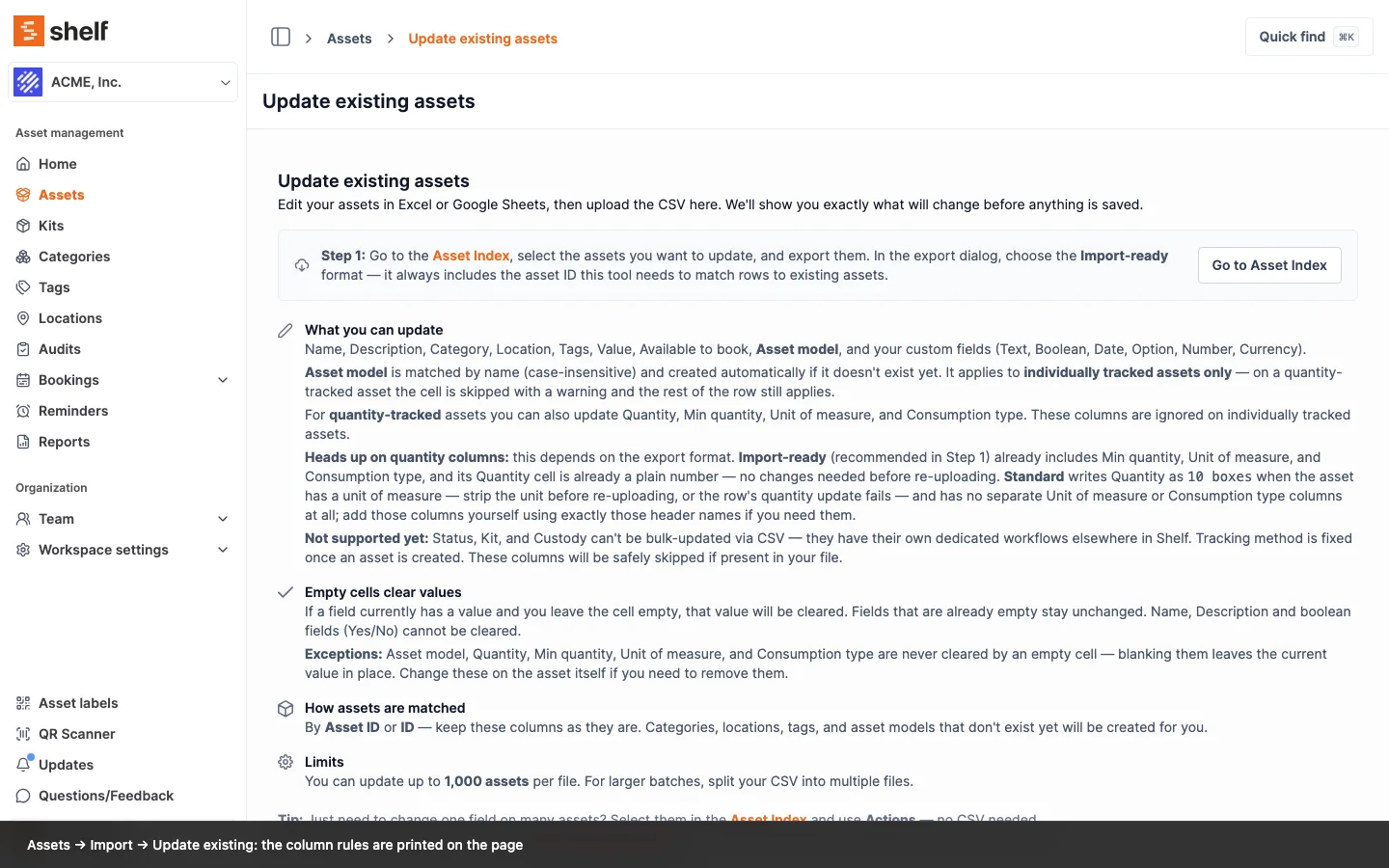
Update Existing Assets can set an asset model, quantity, min quantity, unit of measure, and consumption type across your inventory. The page now lists every column it accepts, and the ones an export won't hand you ready to upload.
Assets → Import → Update existing accepts more columns than its instructions used to admit. Alongside name, category, location, tags, value, availability, and your custom fields, it can set an Asset model on individually tracked assets, and Quantity, Min quantity, Unit of measure, and Consumption type on quantity-tracked ones. Model names are matched case-insensitively and created for you, so a single file can name a new fleet and assign every unit to it, and low-stock thresholds can be set across a whole shelf of supplies in one pass.
The page now spells out the rules that are easy to get wrong. Blanking a cell in Asset model, Quantity, Min quantity, Unit of measure, or Consumption type leaves the current value alone rather than removing it, so those have to be changed on the asset itself. Name and boolean fields cannot be emptied at all. Everything else clears when you blank its cell, which has always been true and is easy to trip over. Tracking method is fixed once an asset exists, so that column is ignored. An asset model on a quantity-tracked row is flagged in the preview rather than applied, and the row's other changes still go through.
One thing to watch on the round trip: an export writes a pooled asset's quantity with its unit attached, as 10 boxes, and the update workflow needs the number on its own. Min quantity, unit of measure, and consumption type are not in the export at all, so add those columns yourself using exactly those header names.
Ready to organize your assets?
Join thousands of teams who trust Shelf to manage their physical assets. Free forever, or try the Team plan free for 7 days.
Out in the field? Shelf Companion is free on iPhone & Android.