

Your selection now clears after every bulk action
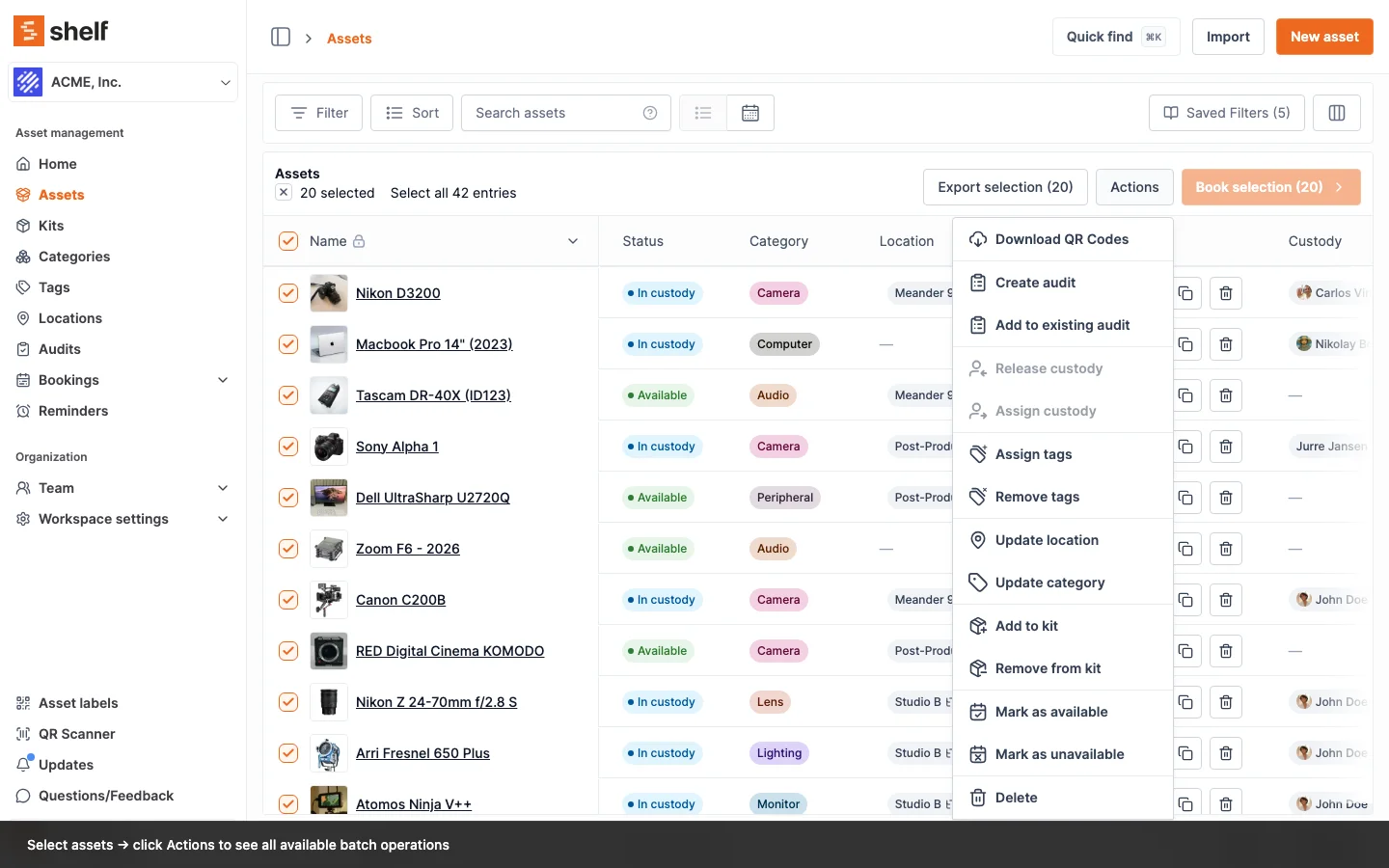
Run a batch action on an index page and Shelf clears the selection for you, so you can move straight on to the next group without unselecting everything first.
Select a batch of assets, kits, bookings, or locations, run a bulk action like Update location, Assign tags, or Delete, and Shelf now clears your selection automatically once it succeeds. No more hunting for "unselect all" before you start the next group — the checkboxes reset themselves and you can pick your next batch right away.
This applies across the board: every bulk action dialog on your index and list pages now behaves the same way. The two sensible exceptions stay put — read-only operations like exporting data or downloading QR codes keep your selection (they don't change anything), and the Add to booking and Add to audit panels keep it too, so you can add the same items to another booking or audit without re-selecting them.
Ready to organize your assets?
Join thousands of teams who trust Shelf to manage their physical assets. Free forever, or try the Team plan free for 7 days.
Out in the field? Shelf Companion is free on iPhone & Android.