

Bulk Archive Audits
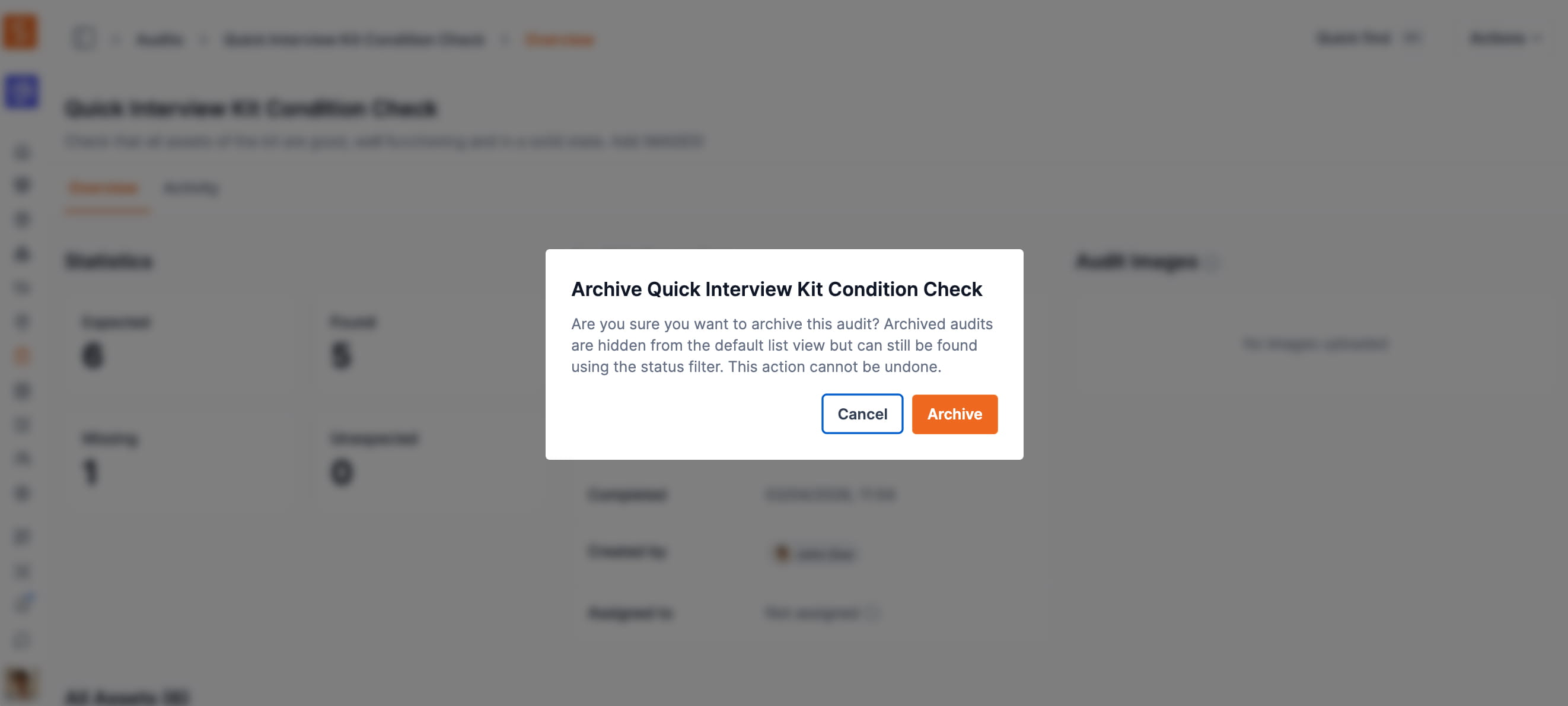
Select multiple completed or cancelled audits from the audit list and archive them all at once.
Organizations running high-frequency audit cycles can now clear completed work in bulk. From the audits index page, select any number of completed or cancelled audits using the checkboxes — including selecting all records across multiple pages — then choose Archive from the Actions dropdown to archive them in a single step.
Bulk archive follows the same rules as individual archiving: only Completed or Cancelled audits are eligible, the action requires an Admin or Owner role, and archiving is permanent. Each archived audit automatically receives an activity note recording who performed the action.
Ready to organize your assets?
Join thousands of teams who trust Shelf to manage their physical assets. Free forever, or try the Team plan free for 7 days.
Out in the field? Shelf Companion is free on iPhone & Android.