

Booking Selections Stay Selected When You Revisit Manage Assets / Manage Kits
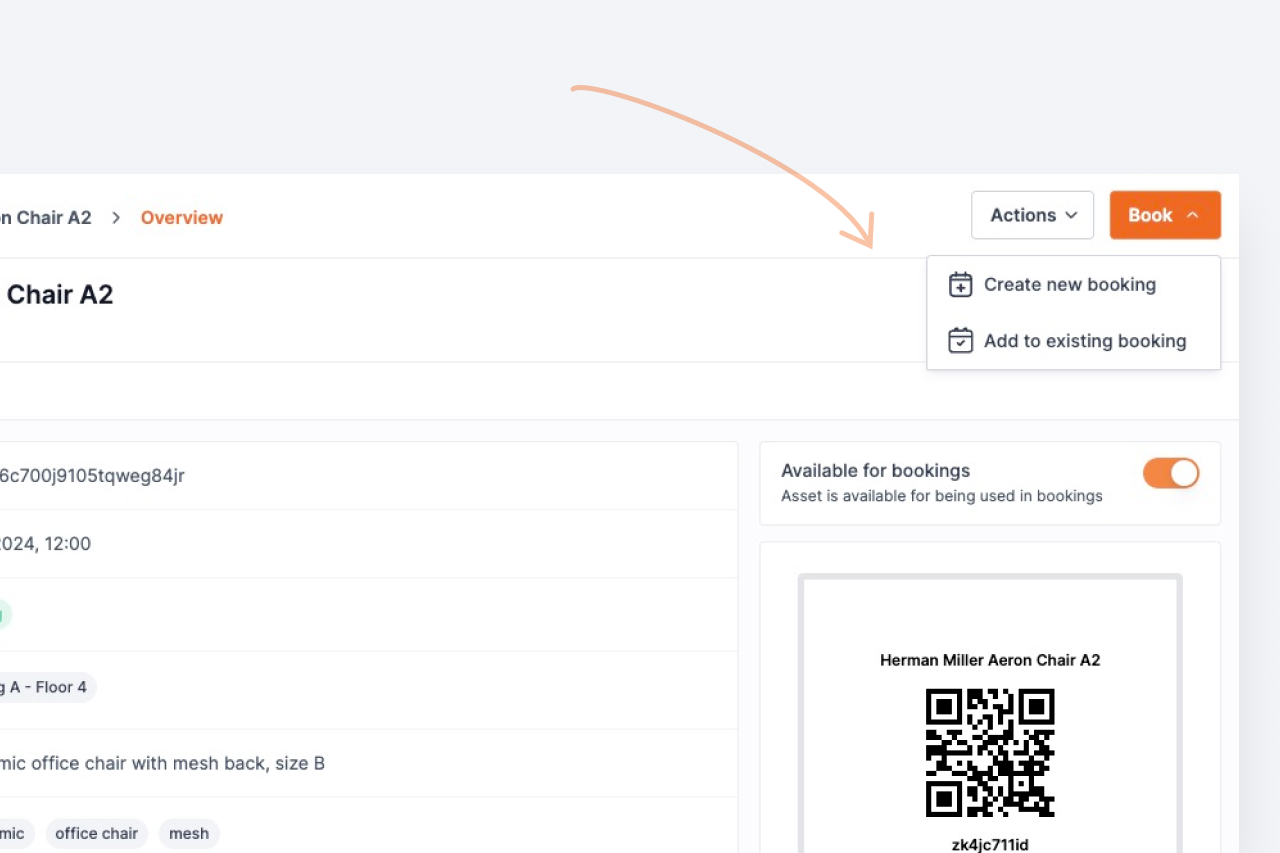
Fixed a bug where the items already attached to a booking could appear unchecked on the Manage assets and Manage kits screens, leading to those items being silently removed when the form was submitted.
If you opened a booking and revisited the Manage assets or Manage kits screen, the items already attached to that booking could appear unchecked. Adding another item and saving could then remove the original items from the booking — silently, because the form interpreted the unchecked state as "the user wants these gone."
The root cause was a state-management timing issue: an internal selection store was being cleared a moment after each route's initial render restored the booking's existing selections, leaving the UI out of sync with the loaded booking data. The selections are now re-asserted after that cleanup runs, so what you see on screen always reflects what's actually attached to the booking.
If you've recently saved a booking after revisiting one of these screens and noticed missing assets or kits, please re-add them — the fix prevents this happening again, but it doesn't restore items that were removed earlier.
Ready to organize your assets?
Join thousands of teams who trust Shelf to manage their physical assets. Free forever, or try the Team plan free for 7 days.
Out in the field? Shelf Companion is free on iPhone & Android.