

Booking PDFs: Saved Documents, a Check-out Receipt and Custom Field Columns
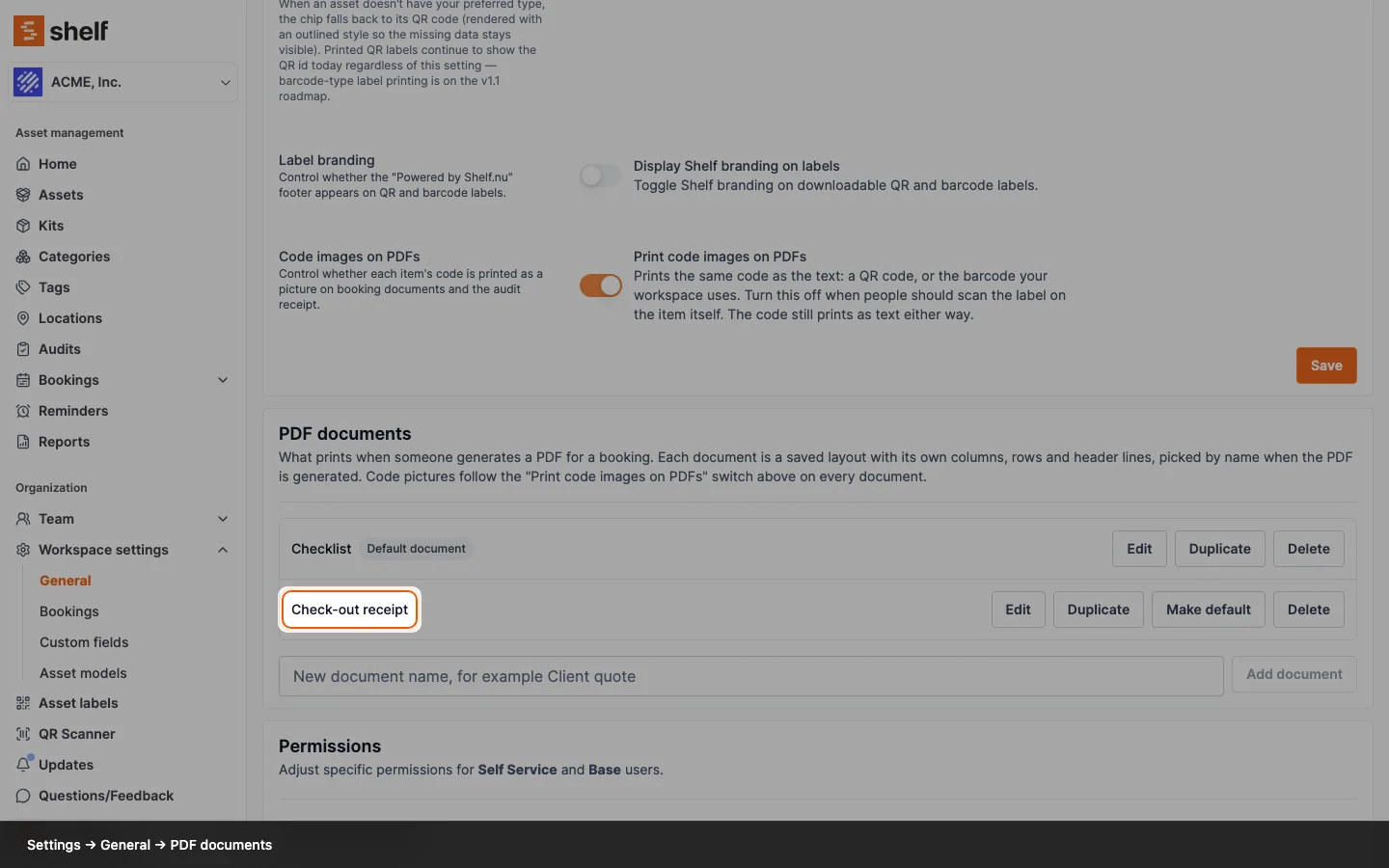
A booking's PDF now comes in named layouts. Choose Actions → Generate PDF and pick a Document: the Checklist, the new Check-out receipt with signature lines, or one your team saved. Owners and Administrators set documents up under Settings → General → PDF documents.
A workspace keeps named PDF documents for its bookings, so the pick list for the warehouse, the sheet a client signs and the priced list for the office each print in their own layout, with custom fields as columns and a signed Check-out receipt among them. Actions → Generate PDF asks which one to print. The PDF is titled with the document and the booking, and Shelf offers the document you picked last first next time.
Every workspace on a paid plan starts with two. The Checklist is the PDF you know. The Check-out receipt is the signed list of what went out: items A to Z, no descriptions or values, and signature lines for the custodian and the person issuing the gear. Owners and Administrators can add more under Settings → General → PDF documents: switch the image, quantity, kit, category and location columns on or off, print up to three custom fields as columns, group by category, sort by name, and choose whether the booking description, total value and signature lines print. One document is the default; any can be duplicated as a starting point.
On a workspace whose plan does not include PDF documents, every booking prints the Checklist, and the settings card shows an upgrade note. The menu item that used to read Generate overview PDF is now Generate PDF.
Ready to organize your assets?
Join thousands of teams who trust Shelf to manage their physical assets. Free forever, or try the Team plan free for 7 days.
Out in the field? Shelf Companion is free on iPhone & Android.