

Double-Booking Now Blocked When You Scan or Check Out from Mobile
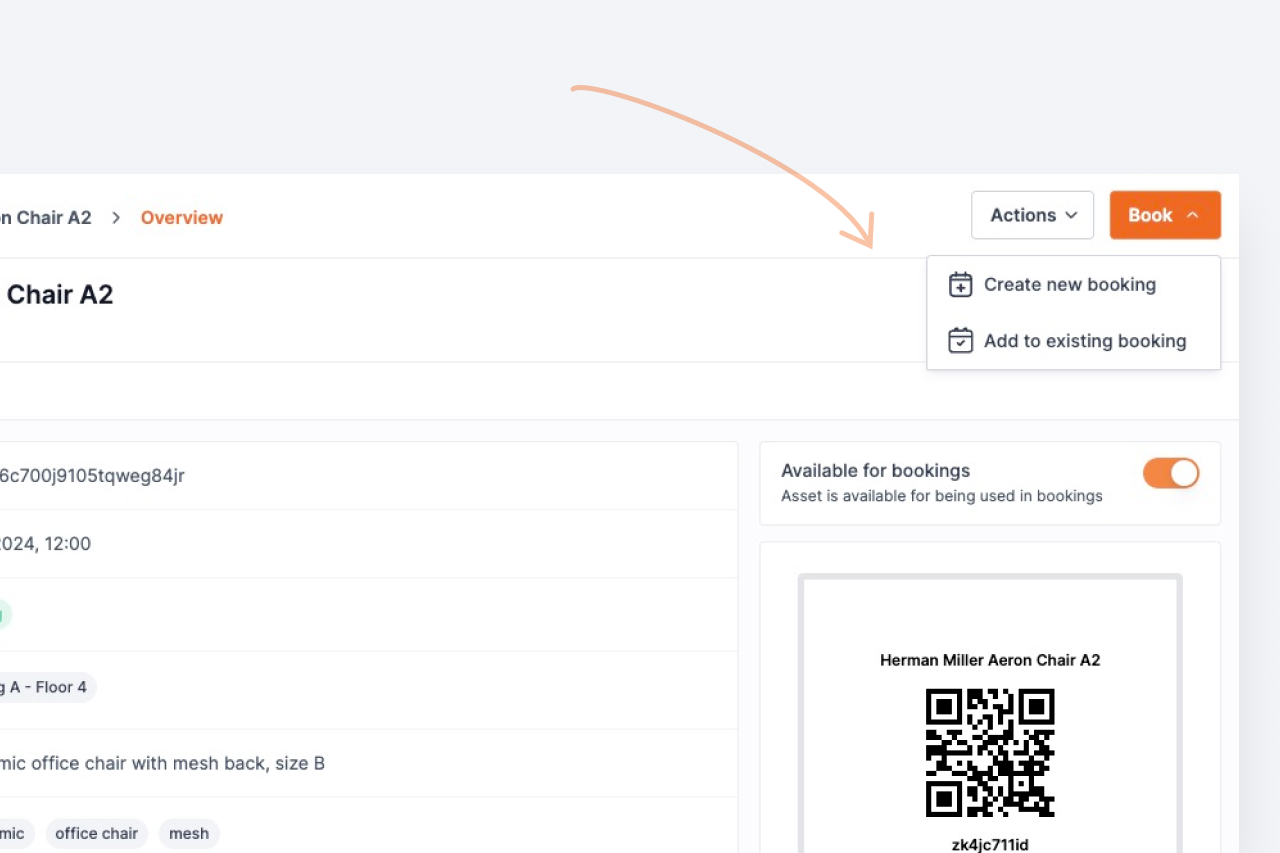
Closed two gaps that could let an item already committed to one booking be silently added to an overlapping one when scanning it in or checking out all at once from the companion app.
Shelf prevents double-bookings by checking availability before an item is committed. Two paths used to slip past that check — and both are now closed.
Scan-to-add had no availability check. When you scanned an asset straight into a booking, it was attached (and, on an already-ongoing booking, immediately checked out) without verifying it wasn't already reserved or checked out for an overlapping window. An item committed elsewhere could be pulled in with no warning. Scan-to-add now runs the same conflict check the calendar and the reserve flow already use, and rejects an asset that's reserved or checked out for an overlapping time before it's added.
All-at-once mobile checkout skipped the guard. Checking a whole booking out from the companion app in one action didn't pass the booking's dates to the conflict check, so the guard never ran — an asset overlapping another booking could be checked out under both. Mobile checkout now sends the booking's dates, exactly like checkout on the web, so the same protection applies. (Per-item checkout was already safe.)
The rule is precise: it blocks an item that's reserved or checked out and overlaps the booking's dates. An item reserved for a separate, non-overlapping window is still perfectly fine to add — matching the availability filter you already see on the web.
No action is needed. The check applies automatically everywhere assets are scanned in or checked out, on the web and in the companion app.
Ready to organize your assets?
Join thousands of teams who trust Shelf to manage their physical assets. Free forever, or try the Team plan free for 7 days.
Out in the field? Shelf Companion is free on iPhone & Android.