

Archive reservations that were never checked out
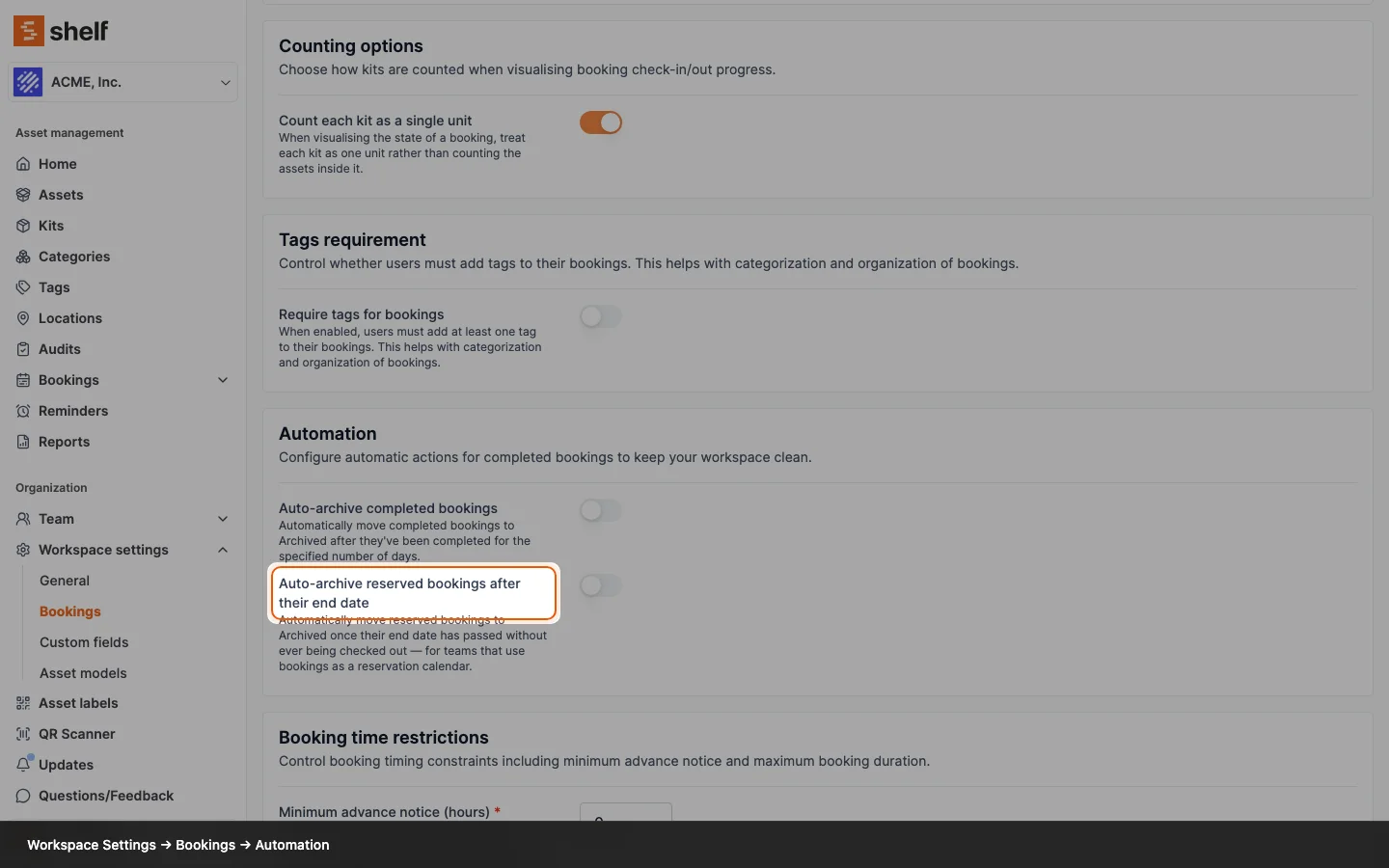
Bookings that pass their end date without a check-out can now be archived, by hand or automatically, so a reservation calendar no longer grows without bound.
Plenty of teams use Shelf as a reservation calendar: they book gear ahead of time, hand it over informally, and never run a formal check-out. Those bookings never reach Completed, so until now they could never be archived. The only ways to clear them were to cancel them, which emails the custodian and reads as "cancelled", or delete them, which loses the record entirely.
You can now archive a reserved booking once its end date has passed, from the booking's Actions menu or in bulk from the bookings index. Shelf never pretends these bookings were returned: because the gear was never checked out, they are excluded from Booking Compliance reporting rather than counted as on-time returns. Ongoing and Overdue bookings stay unarchivable, since their assets are still physically checked out.
There is also a new automation. In Workspace Settings → Bookings → Automation, the new Auto-archive reserved bookings after their end date toggle sits alongside the existing auto-archive for completed bookings, and the two share one Days before auto-archiving grace period. Switching it on also clears your existing backlog of past-due reservations, so you don't have to work through them by hand. Shelf re-checks each booking at the moment it is due to be archived, so anything that was since checked out, cancelled, or extended is left alone.
Ready to organize your assets?
Join thousands of teams who trust Shelf to manage their physical assets. Free forever, or try the Team plan free for 7 days.
Out in the field? Shelf Companion is free on iPhone & Android.