

Owners and Admins Can Now Cancel Any Audit
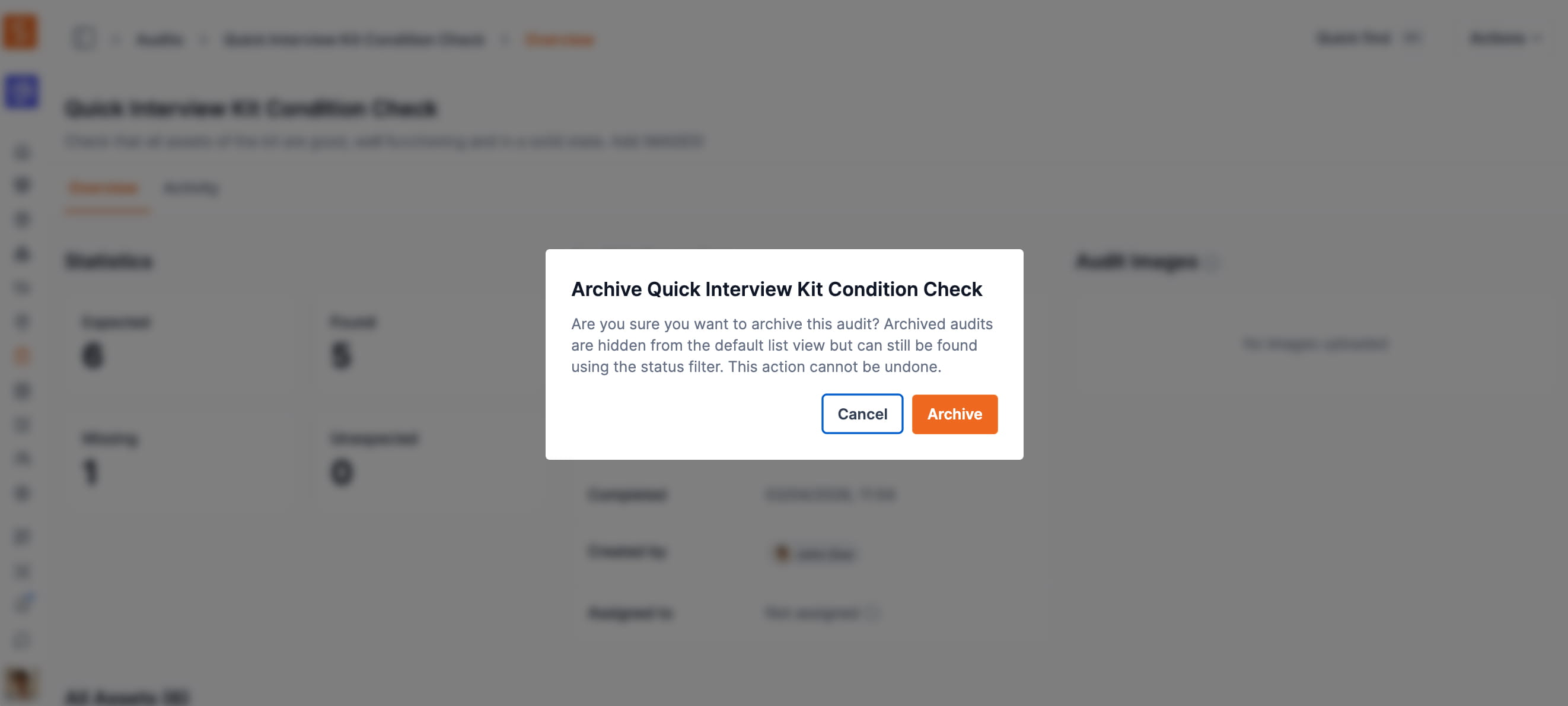
Workspace owners and admins can cancel any in-progress audit — not just the ones they created themselves. Closes a gap where managers couldn't cancel overdue audits started by team members.
Until now, the Cancel action on an audit was only available to the team member who created that audit. If a workspace admin or owner needed to cancel an audit that another team member had started — for example, an audit that had become overdue and was no longer relevant — the Cancel option simply didn't appear in the actions menu for them.
That gap is closed. Owners and admins can now cancel any Pending or Active audit in the workspace, regardless of who created it. The behaviour matches the existing rules for archiving and deleting audits, where admins and owners have always been able to act across the whole workspace.
Self-service and base users still see Cancel only on audits they personally created. Audits in a terminal state (Completed, Cancelled, or Archived) cannot be cancelled — that hasn't changed.
When an audit is cancelled, a notification email goes to the audit creator and any assigned scanner so they know the audit was stopped and by whom.
Ready to organize your assets?
Join thousands of teams who trust Shelf to manage their physical assets. Free forever, or try the Team plan free for 7 days.
Out in the field? Shelf Companion is free on iPhone & Android.