

Asset search is fast on large workspaces again
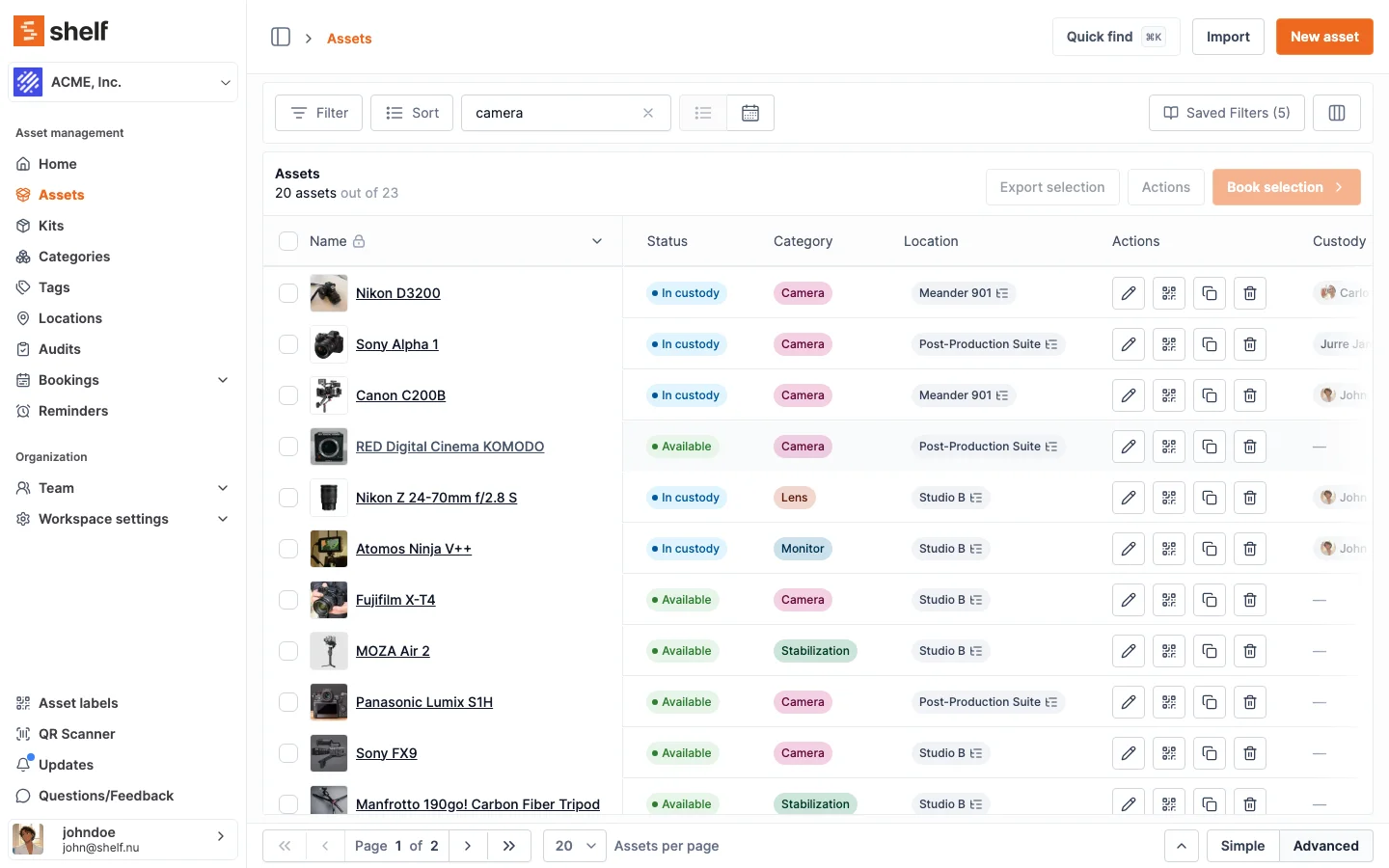
If your asset list has thousands of items and search had started feeling slow, that's fixed.
If you've been waiting on the search bar at the top of your asset list, that's over.
One of our customers with around 13,000 assets had been seeing searches take 30 to 60 seconds. Now they're back to feeling instant — and the same fix applies to every workspace, whether you have 500 assets or 50,000.
Two things changed under the hood. We taught the database to find substrings in your asset IDs, barcodes, QR codes, and category, location, and tag names much faster. And we added a smart shortcut: when you type something that clearly looks like an asset ID — a number like 21035, a barcode, or a code like SAM-0001 — Shelf jumps straight to looking it up in those identifier fields instead of scanning everywhere else.
One thing worth knowing: that smart shortcut for ID-like searches only checks asset IDs, barcodes, and QR codes — not titles, descriptions, or custom fields. So if you happen to have an asset titled 21035 and you search for 21035, you'll find it by its ID but not by its title. For everyday word searches like camera or John, nothing changes — Shelf still looks across every field. The command palette and the advanced asset index also continue to search the full set of fields, including custom-field values.
You don't need to do anything — the fix is already live.
Ready to organize your assets?
Join thousands of teams who trust Shelf to manage their physical assets. Free forever, or try the Team plan free for 7 days.
Out in the field? Shelf Companion is free on iPhone & Android.