

Admin Notes on Team Members
Administrators and owners can add private, workspace-scoped notes to any team member's profile in Shelf — useful for onboarding context, equipment agreements, or operational notes.

Shelf allows Administrators and Owners to add private notes to any team member's profile. Notes are workspace-scoped — a note added in one workspace is not visible in any other workspace — and are only visible to Admins and Owners.
This feature is useful for:
- Onboarding notes or equipment agreements
- Flagging outstanding equipment returns or custodianship context
- Recording operational reminders about a specific team member
Who Can Use This Feature
| Role | Can read notes | Can add notes | Can delete notes |
|---|---|---|---|
| Owner | Yes | Yes | Own notes only |
| Administrator | Yes | Yes | Own notes only |
| Self-Service | No | No | No |
| Base | No | No | No |
Only the note author can delete their own notes. Admins cannot delete notes written by other admins.
Adding a Note to a Team Member
- Navigate to Settings > Team
- Click on the team member's name to open their profile
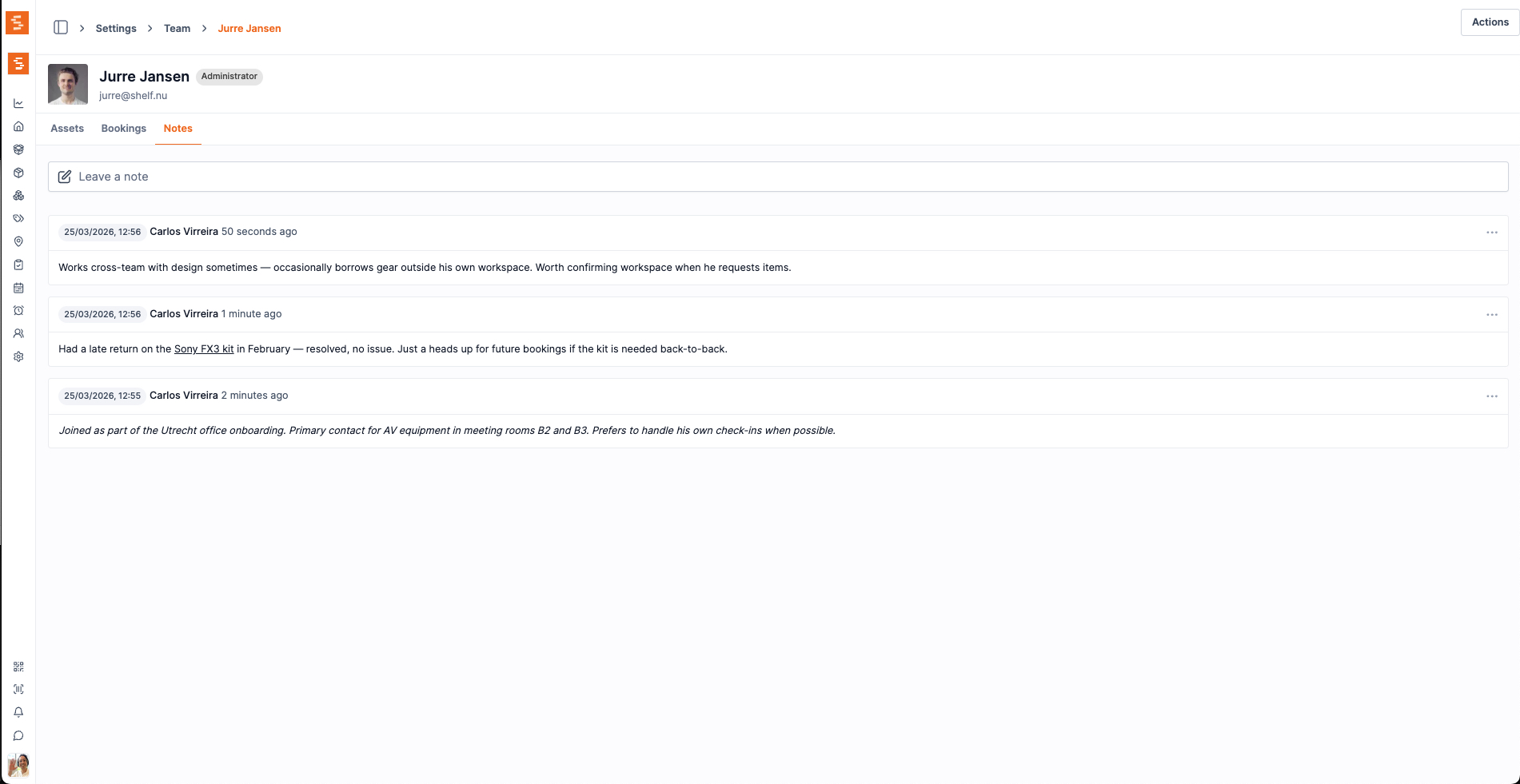
- Select the Notes tab
- Type your note in the text field
- Click Save to add the note
The note will appear immediately below the input field, attributed to your name with a timestamp.
Viewing Your Own Notes
To see all notes that have been written about you by administrators in this workspace:
- Click your avatar or profile link to open My Profile
- Select the Notes tab
Notes are per-workspace, so only notes written within the current workspace are shown.
Deleting a Note
Only the person who created a note can delete it:
- Open the team member's profile and navigate to the Notes tab
- Click the ⋯ (three dots) menu next to the note you wrote
- Select Delete
- Confirm the deletion in the dialog
Deletion is permanent and cannot be undone.
Important Considerations
- Notes are workspace-scoped: adding a note in Workspace A does not appear in Workspace B, even for the same team member.
- Notes are private to admins and owners: Self-Service and Base users cannot see notes, even notes written about themselves.
- There is no limit to the number of notes per user.
Ready to try Shelf?
Put what you're learning into practice. Free plan available — no credit card required.